

A few years back I was rebuilding our nurture stack after a migration that went sideways. We had data scattered across five tools, cold leads quietly slipping out of the funnel, and sales breathing down our necks for warmer MQLs.
What made it worse was watching competitors win deals with tighter, behavior-based sequences — showing up in the right inbox at the right moment while we were still arguing about which platform owned which contact record.
I spent a few months going deep on every major marketing automation platform I could get into. The feature pages all looked the same. The pricing looked reasonable until you started adding contacts, SMS, or anything that resembled scale — then the bills got interesting.
What actually moved the needle wasn’t the platform with the longest feature list. It was clean data, actions triggered by real intent signals, and messages short enough that people actually read them. The best setups we’ve built since then are boring in the best way — they run like clockwork and get better every week because we’re actually looking at the results.
At Relevance we build and run the same automations we put in front of clients. Lead scoring, multi-touch nurture, AI-driven segmentation — we’ve had real pipeline on the line, not just dashboards to screenshot.
This guide covers the six platforms that have held up in that environment. What they’re genuinely good at, where they fall short, and which type of team should pick which.
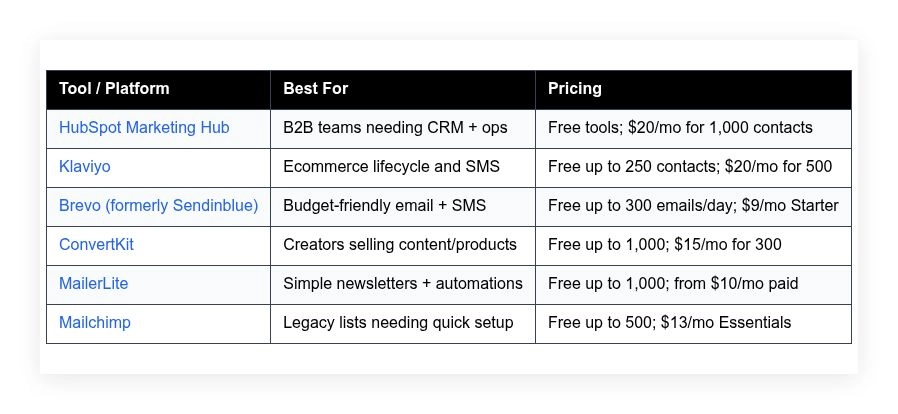
Quick comparison table is right below. Full breakdown follows after.
Marketing automation tools in 2026
Keep scrolling for my hands-on notes, where each one shines, and which I personally use day to day. I’ll also flag the best free options for beginners.
What is a marketing automation tool?
A marketing automation tool is software that triggers emails, SMS, ads, and tasks based on customer behavior. Its core purpose is timely, targeted follow-up at scale.
There’s a saying I live by: right message, right person, right time. Automation makes that possible without living inside your inbox. It also keeps your list warm and your pipeline predictable.
Think of it this way: a nurture sequence that lifts conversion from 2% to 4% doubles revenue from the same traffic. That’s like getting 50,000 extra monthly visitors without buying a single ad.
In practice, teams use these tools to capture leads, score intent, personalize content, and route the next step—from web forms and CRM events to checkout behavior—so more contacts turn into customers.
Most marketers pair automation with a CRM (HubSpot, Salesforce), analytics (GA4, Looker Studio), and a CDP or tag manager to keep events clean. Ecommerce teams add product feeds and SMS.
Not every platform handles the same depth, channels, or pricing curve, so choosing carefully matters.
How to choose the best marketing automation tool
Picking a platform can feel overwhelming. Every site promises journey maps, AI subject lines, and “one-click” integrations, then the bill jumps once you grow.
I wrote this guide to help you find a practical fit for how you work now, with room to scale over the next 12–24 months.
Most guides are written by the companies selling the tools or by media sites ranking whoever pays. I’m not sponsored by any platform on this list. This is my honest view based on campaigns we’ve built, broken, and fixed.
Here are some questions you should ask when looking for a tool:
- How generous is the free tier, and what’s throttled or branded?
- Can I set up a basic capture-to-nurture flow in under an hour?
- Will it scale to my next subscriber tier without a budget shock?
- How does pricing change with contacts, emails, and SMS volume?
- Does it include the channels and automations I actually need?
- Are analytics clear on revenue, source, and cohort performance?
- How painful is migration—imports, templates, DNS, and webhooks?
- What’s uptime and deliverability like, and is support responsive?
- Any must-have technical items: event-based triggers, APIs, or CDP sync?
It’s a lot, I know. The ranked list below bakes in those questions, with notes on who each tool helps most.
Okay, enough of me rambling, let’s get into the list.
6 best marketing automation tools in 2026
Here are my top picks for the best marketing automation tools:
- HubSpot Marketing Hub
- Klaviyo
- Brevo (formerly Sendinblue)
- ConvertKit
- MailerLite
- Mailchimp
Let’s see which one is right for you.
1. HubSpot Marketing Hub
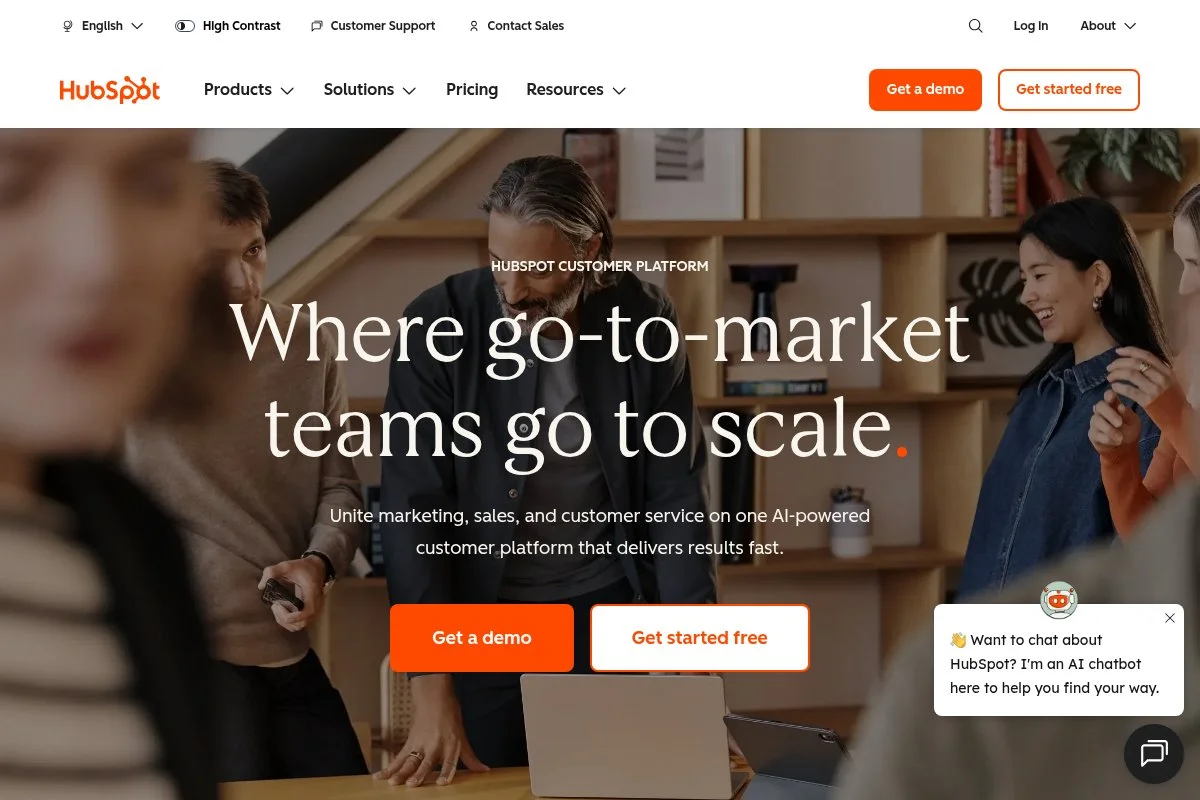
HubSpot Marketing Hub is an all-in-one platform designed for B2B growth teams that want CRM, automation, and reporting in one place. HubSpot has been a category leader for over a decade, with a mature product, deep education resources, and a large partner ecosystem.
You can start with the free tools or jump to Starter at a low entry price. Setup is quick: import contacts, connect your domain, and publish a form. The day-to-day revolves around visual workflows, list building, email/SMS, and landing pages with native CRM data.
Recent releases tightened the AI features, improved attribution, and expanded the customer journey analytics. The newer prospecting and ABM tools make marketing-to-sales handoff tighter, which we’ve seen improve meeting rates.
On higher tiers, you get custom objects, multi-touch revenue attribution, advanced permissions, and sandboxes. Those features matter once you have multiple product lines, regions, or complex routing.
We run HubSpot daily for our core nurture tracks and LLM-citation outreach. It’s not sponsored. It simply saves us hours a week because CRM, ads audiences, and reporting live together.
I also appreciate the documentation and HubSpot Academy. When I hand automations to a client team, they can learn fast and iterate without opening tickets.
How HubSpot Marketing Hub works and key features
HubSpot’s visual editor makes automation feel approachable. Drag triggers, branches, and actions, then preview enrollments and delays. Templates cover welcome, re-engagement, lead scoring, and more, and you can tailor them with dynamic CRM fields.
Advanced users get custom objects, webhooks, and a clean API for product events. Reporting includes traffic, lifecycle stage movement, campaign influence, and revenue attribution. Automation handles emails, tasks, Slack, ads audiences, and property updates.
Beyond email, you can publish landing pages, blogs, and forms, with A/B tests. Support is solid on paid plans, with community threads for edge cases. A client told me, “We finally see which campaigns move pipeline, not just opens.” — Growth Lead, B2B SaaS
Overall, it’s friendly for beginners and powerful for operations-heavy teams, which is rare in one platform.
Who HubSpot Marketing Hub is for
Best for B2B marketers, demand gen teams, agencies, SaaS companies, and revops leaders. It shines for lead scoring, ABM, and multi-channel nurture that feeds sales. If you need deep ecommerce SKU data or very cheap bulk email, other tools can be leaner. Non-technical users can ramp quickly, while ops pros get depth.
HubSpot Marketing Hub pricing
HubSpot prices by features and marketing contacts, with free tools to start and paid tiers as you grow. Annual billing reduces effective monthly cost.
- Free Tools: $0/month, basic CRM, forms, email, and ads tools.
- Starter: $20/month, 1,000 marketing contacts, email marketing, simple automations.
- Professional: $890/month, advanced automation, custom reporting, A/B testing, and collaboration features.
- Enterprise: $3,600/month, custom objects, permissions, sandboxes, and enterprise-grade security.
Value-wise, Starter is an easy yes. Professional is a jump but pays off if you need attribution and complex routing. Enterprise is for multi-team orgs. Pricing scales with contact tiers, so clean your list and archive non-marketing contacts to control costs.
Pros and cons
- Pros: Best-in-class CRM + marketing combo; visual workflows; strong reporting; generous free tools to start; deep ecosystem.
- Cons: Professional and up are pricey; contact-based pricing can climb; ecommerce SKU depth lags dedicated retail platforms.
If you’re B2B or sales-led, HubSpot is my first pick. If you only need cheap newsletters, it’s more than you need.
HubSpot Marketing Hub reviews
G2: 4.4/5 star rating (10,000+ reviews). Capterra: 4.5/5 star rating (5,000+ reviews). Reviews highlight ease of use and integrated CRM; pricing is the main complaint.
2. Klaviyo
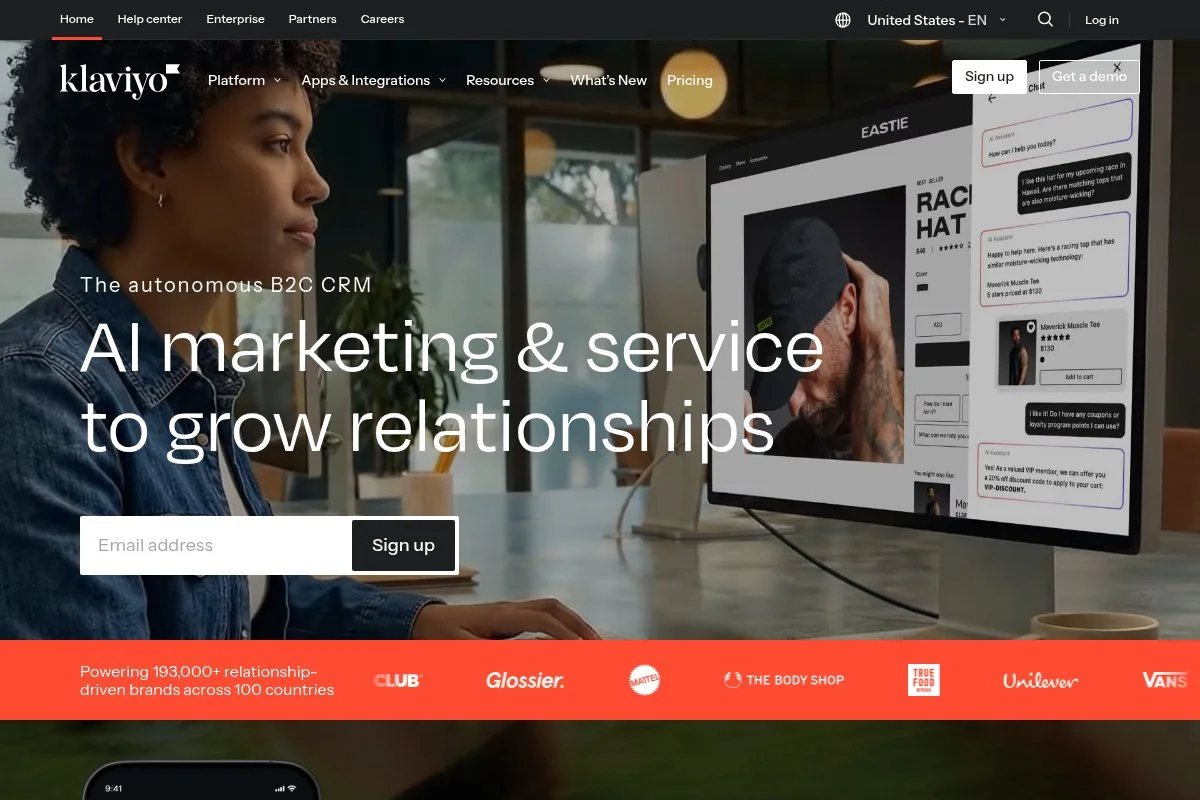
Klaviyo is built for ecommerce brands that want lifecycle campaigns powered by store data. It’s the go-to for Shopify, BigCommerce, and WooCommerce teams that care about RFM segments and SKU-level triggers.
You can start free up to a small contact count and get standard flows live fast: welcome, browse abandonment, cart, and post-purchase. The editor is clean, with product blocks and dynamic coupons baked in.
In recent years, Klaviyo doubled down on SMS, onsite forms, and CDP-like profiles. The native Shopify integration got faster, and predictive analytics improved win-back timing.
Higher tiers add advanced segmentation, better A/B testing, and predictive models. Revenue reporting is retail-focused and easy for founders to read. Few tools match its ecommerce depth.
We use Klaviyo on DTC clients where SKU and order data drive everything. It’s quick to show ROI because the standard flows hit high-intent moments out of the box.
I also like that templates feel modern and mobile-first, so even small teams can ship polished campaigns.
How Klaviyo works and key features
Klaviyo’s drag-and-drop email/SMS editor is intuitive, with strong product and conditional blocks. Templates cover core lifecycle events and can be customized with Shopify variables. Advanced users can drop custom HTML and use webhooks for edge cases.
Analytics show revenue per recipient, flow performance, and cohort trends. Automations include multi-branch flows, SMS, and dynamic coupons. Extra tools include forms, reviews integrations, and basic campaigns calendar. Support and documentation are solid, with plenty of ecommerce playbooks.
The overall experience is purpose-built for retail and handles both beginners and advanced operators well.
Who Klaviyo is for
Best for ecommerce marketers, DTC founders, lifecycle managers, and agencies running Shopify stores. It excels at cart/browse flows, post-purchase, and SMS. If you’re B2B with complex account routing, HubSpot or a CRM-first tool may fit better. It’s beginner-friendly with plenty of depth.
Klaviyo pricing
Klaviyo prices by contact count and channels, with a free tier to start and paid plans scaling as your list grows.
- Free: $0/month, up to 250 contacts and 500 email sends.
- Email (500 contacts example): $20/month, core email + automations.
- Email & SMS: Pricing varies by contacts and SMS credits; scales with usage.
For ecommerce, the value is strong because the built-in flows drive revenue quickly. Costs rise with list size and SMS volume, so keep segments tight and prune inactive contacts. Annual commitments can offer savings.
Pros and cons
- Pros: Best retail data depth; fast Shopify sync; great templates; strong SMS.
- Cons: Costs can climb with large lists; less ideal for B2B CRM workflows; advanced features need paid tiers.
If you sell products online, start here. If your motion is sales-led B2B, pick a CRM-first tool instead.
Klaviyo reviews
G2: 4.6/5 star rating (1,900+ reviews). Capterra: 4.7/5 star rating (500+ reviews). Users praise ecommerce focus and revenue tracking; pricing is the main knock.
3. Brevo (formerly Sendinblue)
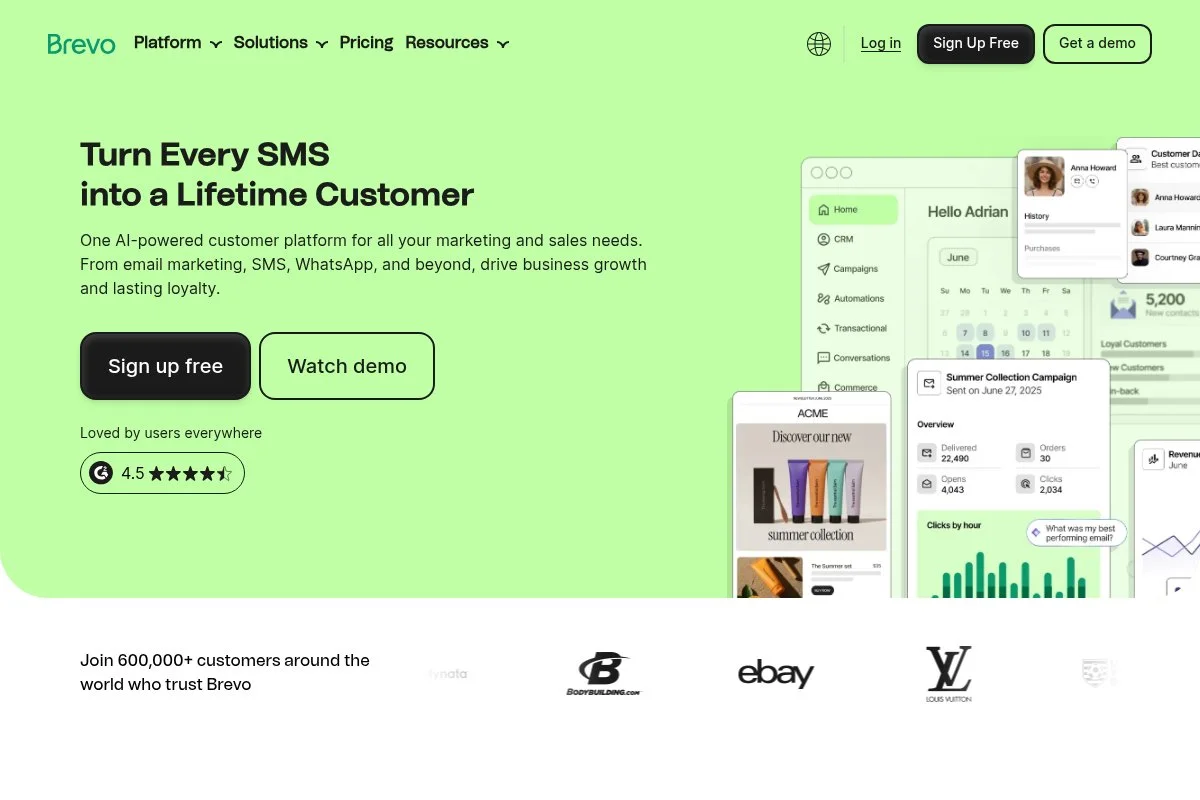
Brevo is a budget-friendly email and SMS platform that balances simplicity with enough automation for most small teams. It’s popular with startups and SMBs that want predictable, low-cost sending.
You can start free with a daily send cap, then upgrade as volume grows. The interface is straightforward: campaign builder, automations, contacts, and transactional email in one place.
Recent improvements include enhanced deliverability tools, WhatsApp messaging, and a cleaner automation canvas. The rebrand to Brevo came with UI polish and better documentation.
Higher tiers add send-time optimization, more seats, and advanced reporting. Transactional email via SMTP/API is a nice bonus without another vendor.
We recommend Brevo for clients who need value first. It’s perfect for newsletters and basic drips without the sticker shock.
Support has been responsive in my experience, and onboarding takes an afternoon, not a week.
How Brevo works and key features
Brevo’s editor is drag-and-drop with a focus on clean, mobile-friendly templates. You can customize blocks or import HTML for advanced needs. Automations handle welcome series, post-download drips, simple scoring, and tag updates.
Reporting covers opens, clicks, device data, and basic attribution for campaigns and flows. Extras include SMS, WhatsApp, chat, forms, and transactional email. Integrations cover common CMS and ecommerce platforms. Support is available by email and chat on paid plans.
Overall, it’s straightforward for beginners and flexible enough for growing lists.
Who Brevo is for
Best for small businesses, nonprofits, local service brands, and startups. It excels at newsletters, basic nurture, and transactional emails on a budget. If you need deep CRM objects or heavy B2B attribution, look at HubSpot. No advanced technical skill required.
Brevo pricing
Brevo prices by email volume and features, with a free plan that’s generous for testing.
- Free: $0/month, up to 300 emails/day.
- Starter: from $9/month, increased monthly email volume, no daily cap.
- Business: from $49/month, marketing automation, A/B testing, more seats.
- BrevoPlus: custom pricing, dedicated IP, SSO, and priority support.
Brevo is excellent value, especially if you send newsletters to large lists a few times a month. Annual billing offers savings. Costs scale with monthly email volume rather than contacts, which can be cheaper for big lists that send infrequently.
Pros and cons
- Pros: Very affordable; simple UI; transactional email included; volume-based pricing can be cheaper than contact-based.
- Cons: Automation depth is lighter; reporting isn’t enterprise-level; fewer native B2B features.
If you want reliable sending and basic nurture without high cost, Brevo is a smart pick.
Brevo reviews
G2: 4.6/5 star rating (2,000+ reviews). Capterra: 4.5/5 star rating (1,900+ reviews). Users like pricing and simplicity; feature depth is the tradeoff.
4. ConvertKit
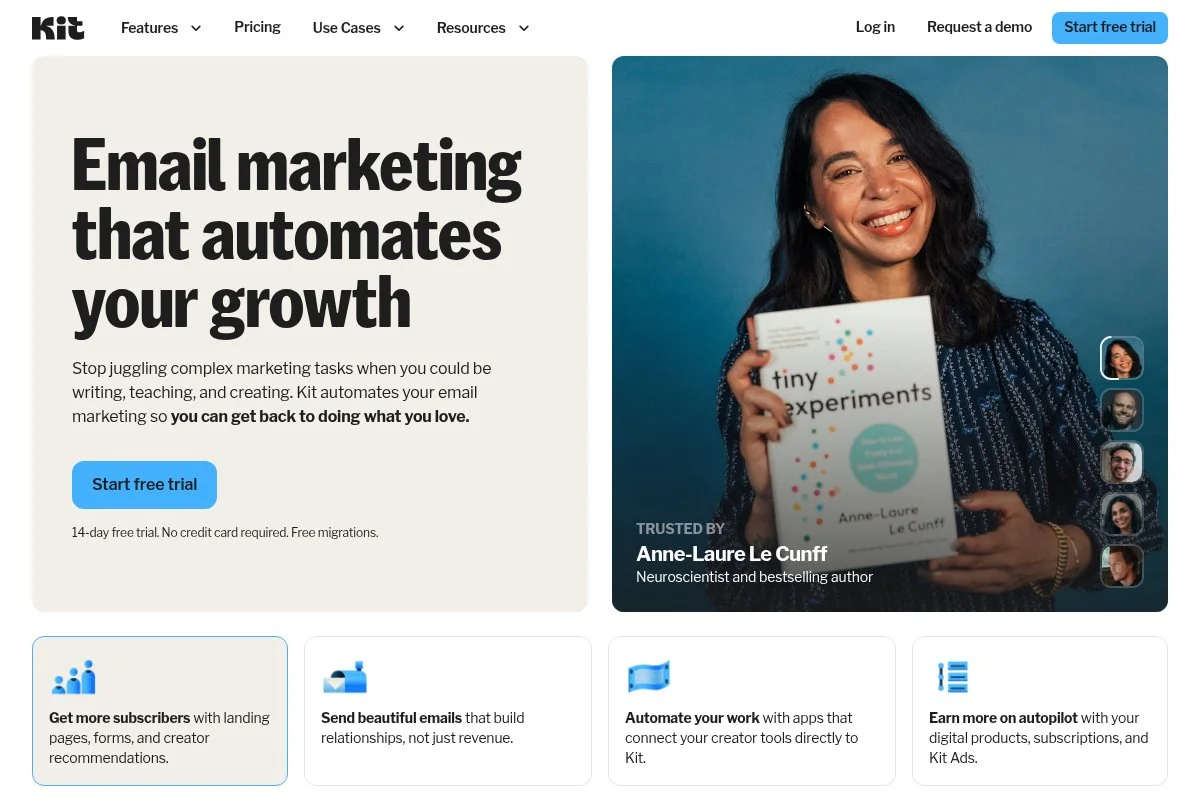
ConvertKit is built for creators who grow audiences and sell digital products, coaching, and newsletters. The company is creator-led, with features that match how solo operators actually work.
You can start free with core forms and landing pages. The email editor is minimal and fast—great for personal-feeling broadcasts and sequences. Tags and visual automations make segmenting easy.
Recent updates expanded commerce, Tip Jar, and sponsor tools. The Creator Network drives cross-promotion, helping new lists get momentum without ads.
Higher tiers add advanced automations, audience scoring, and better reporting. The built-in product checkout reduces the need for extra tools.
I like ConvertKit for personal newsletters. When a writer wants to sell a course or a digital download, it’s one of the fastest paths to revenue.
Docs are clear, and the team ships features that respect deliverability and simplicity.
How ConvertKit works and key features
ConvertKit’s interface favors speed: plain-text style editor, clear tagging, and a visual automation builder. Templates are lightweight; you can add custom HTML if needed. Commerce lets you sell products and paid newsletter tiers directly.
Analytics show subscriber growth, conversion per form, and sequence performance. Automations cover rules, sequences, and events like purchases or link clicks. Extras include forms, landing pages, and basic referral features. Support is friendly with helpful guides and office hours.
It’s beginner-friendly, while still giving power users flexible tagging and event triggers.
Who ConvertKit is for
Best for writers, creators, coaches, indie course sellers, and niche publications. Great for personal newsletters, launches, and paid products. If you need deep multi-touch attribution or complex team permissions, look elsewhere. No heavy technical skills required.
ConvertKit pricing
ConvertKit prices by subscriber count and features, with a free plan for small lists.
- Free: $0/month, up to 1,000 subscribers, forms and landing pages.
- Creator: from $15/month for 300 subscribers, automations and integrations.
- Creator Pro: from $29/month for 300 subscribers, advanced reporting and scoring.
Value is strong for creators who monetize directly. Pricing scales with subscribers, so prune inactive segments. Annual plans discount the monthly rate. Expect jumps at higher subscriber tiers as with any contact-based model.
Pros and cons
- Pros: Fast editor; simple automations; built-in commerce; creator-friendly pricing to start.
- Cons: Not designed for complex B2B sales; reporting is lighter; templates are minimal by design.
If you write and sell directly to your audience, ConvertKit is a joy to use.
ConvertKit reviews
G2: 4.4/5 star rating (400+ reviews). Capterra: 4.7/5 star rating (1,000+ reviews). Reviewers praise ease and deliverability; power users want deeper analytics.
5. MailerLite
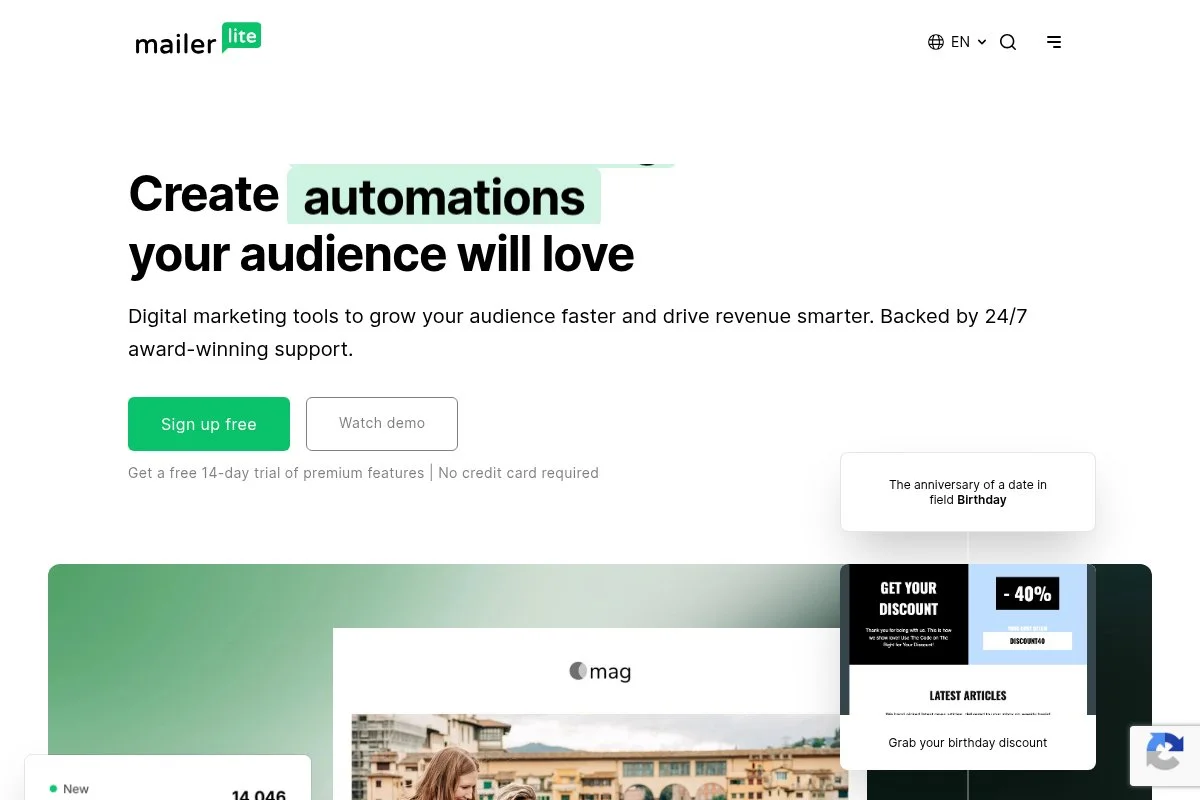
MailerLite focuses on simplicity: clean newsletters, basic automations, and quick landing pages. It’s popular with small teams that want clarity over knobs and dials.
Getting started is fast with a free plan. The drag-and-drop builder is tidy, and templates look modern without heavy tweaking. Automations cover welcome and drip campaigns.
Recent improvements added transactional features and better site/landing page tools. Deliverability tools and approval steps help protect sender reputation.
Paid tiers unlock more automation steps, dynamic content, and more sites. It’s not trying to be an enterprise suite—and that’s the point.
I reach for MailerLite when a founder needs to launch a newsletter and simple lead magnet in a weekend.
The UI is friendly, and the help docs get you from zero to first send quickly.
How MailerLite works and key features
MailerLite’s editor is a clean drag-and-drop builder with blocks for text, images, videos, and buttons. Templates are plentiful and easy to restyle. Advanced users can add custom HTML and use the API for imports.
Reporting covers opens, clicks, link heat maps, and subscriber growth. Automations include triggers on joins, clicks, and date-based events. Extras: websites, blogs, popups, and forms. Support is responsive on paid tiers with email and chat options.
The experience is beginner-first, with just enough power for growing newsletters.
Who MailerLite is for
Best for solo founders, small nonprofits, local businesses, and simple content programs. Great for lead magnets, welcome series, and monthly newsletters. If you need CRM-backed routing or deep attribution, choose a heavier platform. No technical skills needed.
MailerLite pricing
MailerLite prices by subscribers and features, with a generous free plan.
- Free: $0/month, up to 1,000 subscribers, 12,000 emails/month.
- Growing Business: from $10/month, advanced automation, dynamic content.
- Advanced: from $20/month, more sites, promotion tools, and priority support.
- Enterprise: custom, dedicated support and SSO.
It’s one of the best values for simple use cases. Annual billing saves money, and pricing stays friendly until your list gets very large.
Pros and cons
- Pros: Very easy to use; modern templates; generous free tier; great for quick launches.
- Cons: Limited CRM features; automations are basic; analytics are simpler than enterprise tools.
If you want a polished newsletter and simple nurture flows, MailerLite hits the mark.
MailerLite reviews
G2: 4.6/5 star rating (500+ reviews). Capterra: 4.7/5 star rating (1,700+ reviews). Reviewers like ease and deliverability; some want more advanced automation.
6. Mailchimp
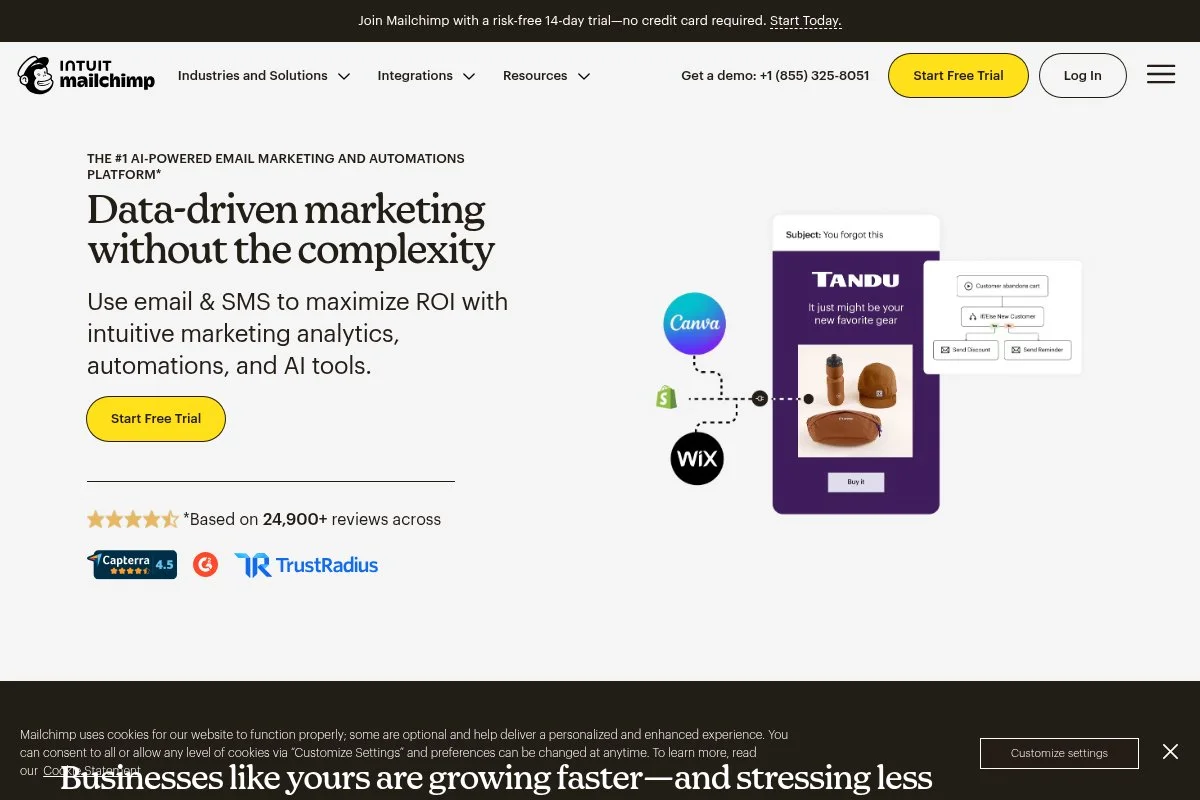
Mailchimp is the familiar name many teams start with. It’s strong for quick list imports, simple campaigns, and basic customer journeys.
You can begin on a free plan and get a campaign out the door quickly. The editor is visual, with many templates and brand tools. Customer Journeys covers simple automations.
Recent focus areas include ecommerce integrations, AI content tools, and better analytics dashboards. For legacy lists, it’s often the path of least resistance.
Higher tiers unlock more automation branches, comparative reporting, and advanced segmentation. Keep an eye on audience and seat limits.
I reach for Mailchimp when a client inherits an existing account and needs speed, not a rebuild.
It’s widely supported across apps, so integrations are rarely the blocker.
How Mailchimp works and key features
Mailchimp’s drag-and-drop editor is packed with blocks and design options. Templates are extensive and brandable. Power users can import custom HTML and connect APIs or webhooks.
Analytics show campaign performance, audience growth, and predicted demographics. Automations support multi-step journeys and simple branching. Extra tools include landing pages, surveys, postcards, and basic CRM features. Support quality varies by plan tier.
Overall, it’s beginner-friendly, with enough depth for many small teams.
Who Mailchimp is for
Best for small businesses, legacy lists, and teams that want fast campaigns without a full migration. Solid for newsletters and lightweight nurture. If you need deep CRM alignment or retail-first flows, other tools fit better. Minimal technical skill required.
Mailchimp pricing
Mailchimp prices by contacts and features, with a free tier and three paid levels.
- Free: $0/month, up to 500 contacts with monthly send limits.
- Essentials: from $13/month, templates and basic automations.
- Standard: from $20/month, customer journeys, dynamic content.
- Premium: from $350/month, advanced segmentation and reporting.
Mailchimp is middle-of-the-road on pricing. It’s fair for smaller lists, but can rise as contacts and seats increase. Annual billing discounts apply on many tiers.
Pros and cons
- Pros: Huge template library; fast to launch; lots of integrations; familiar UI for many teams.
- Cons: Pricing climbs with list size; automation depth is moderate; CRM alignment is limited.
If you need a quick, familiar setup, Mailchimp works. For complex journeys, consider other picks above.
Mailchimp reviews
G2: 4.3/5 star rating (12,000+ reviews). Capterra: 4.5/5 star rating (13,000+ reviews). Feedback is positive on ease and templates; costs and limits draw criticism.
What is the best marketing automation tool right now?
My top picks this year: HubSpot Marketing Hub for B2B and sales-led teams, Klaviyo for ecommerce lifecycle and SMS, and Brevo for budget-friendly email + SMS at scale.
HubSpot is my number one because I use it daily across client accounts and our own funnels. This isn’t sponsored. I first adopted it to clean up fragmented data and tie nurture to pipeline. The visual workflows, CRM alignment, and reporting sold me—especially revenue attribution and handoffs to sales.
On value, HubSpot scales better than you think if you stay disciplined with contact hygiene. Starter gets you moving fast. Professional looks expensive, but attribution and ops automation replace multiple tools and meetings. Alternatives at the same depth usually involve three separate platforms and more headcount time.
Klaviyo is a close second for stores. It nails product-triggered flows, SMS, and clean revenue reporting that founders understand. Recent upgrades to predictive analytics and onsite capture make it even more compelling for growth without extra apps.
Its unique strength is retail-native thinking: SKU data, dynamic coupons, and Shopify sync that just works. If I ran only DTC brands, I’d likely pick Klaviyo first.
For teams that need low-cost sending and basic nurture, Brevo is my third choice. The free plan and volume-based pricing keep budgets in check, and you still get automations plus transactional email without extra vendors.
I also keep ConvertKit for creator projects and MailerLite for fast newsletter launches. Different tools for different jobs. That’s normal. I’d rather match the tool to the motion than force one stack everywhere.
Choosing between the top options is tough because they’re strong at different things. I stick with HubSpot for B2B because it reduces tool sprawl and gives me clean reporting from first touch to closed-won.
I hope this breakdown saves you some trial-and-error. If I had to start all over, I’d make the same picks. Happy nurturing.
Frequently Asked Questions
Q: Which marketing automation tool is best for beginners?
For a quick start, MailerLite or ConvertKit. Both have clean editors, friendly templates, and free plans. You can ship a lead magnet and welcome flow in a day.
Q: What’s the most cost-effective option for large, infrequent sends?
Brevo. Pricing is based on email volume, not contact count. If you send a big monthly newsletter and keep automations light, it’s hard to beat.
Q: How do I keep costs down as my list grows?
Prune inactive contacts quarterly, archive non-marketing contacts (HubSpot makes this easy), and segment by intent. Also, test SMS selectively—costs add up fast.
Q: Do I need a separate CRM with these tools?
If you’re B2B and sales-led, yes—pick HubSpot and keep CRM + marketing together. For creators and small stores, the platform’s built-in profiles are usually enough.
