

Two years ago a client asked me a question I couldn’t cleanly answer: “Are we showing up in AI search or not?”
We held the number one organic spot for their most important keyword. But a direct competitor was getting named in AI Overviews, Perplexity answers, and Bing Copilot callouts every time someone asked the question our client should have owned. The blue link win meant less than it used to, and everyone in the room knew it.
That kicked off a pretty obsessive few months. I wanted to track AI visibility the same way we track share of voice — week over week, by topic, against specific competitors. Turns out most rank trackers weren’t built for that yet. Some bolted on workarounds. A handful actually solved it.
I got frustrated enough at one point that I built my own — a free AI visibility Chrome extension that lets you check AI visibility without jumping between five different tools. It’s not a replacement for a full platform, but it’s what I reach for when I need a fast answer.
What I learned along the way is that the teams doing this well don’t treat AI answers as a mystery. They instrument them like any other SERP feature — monitoring citations, tracking which sources get pulled, and optimizing their content and entity signals accordingly.
I don’t think you should need an enterprise contract to get started. The right combination of a rank tracker with real AI answer detection, a decent scraping layer, and a simple reporting setup gets you further than most people expect.
This is the actual stack I use inside client campaigns at Relevance across finance, SaaS, and ecommerce. No sponsored placements. Just what’s held up in real work.
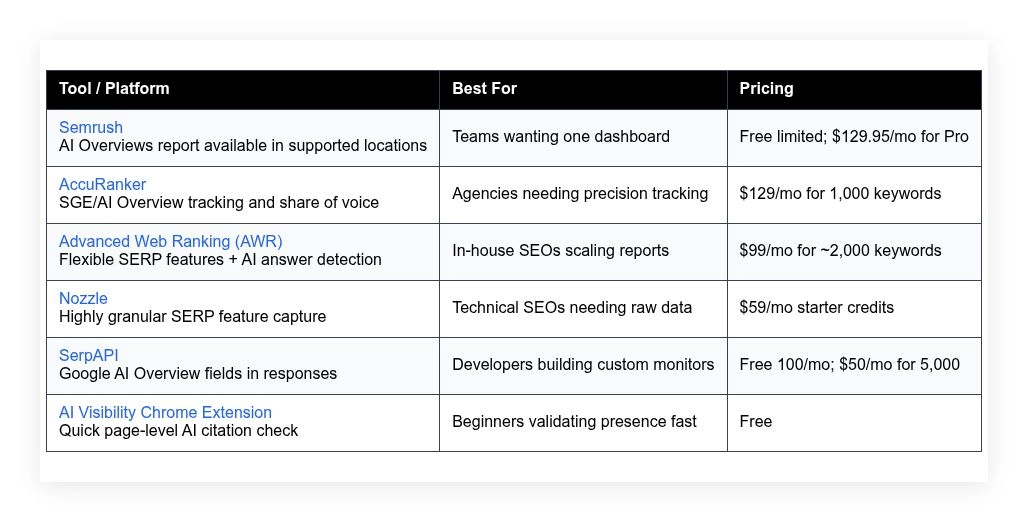
Quick comparison table is below. Keep scrolling for the full breakdown on each tool.
My list for AI search visibility tools – 2026
Scroll down for my hands-on take on each, including which one I picked for daily use and the best free options if you’re just starting.
What is an AI search visibility tool?
An AI search visibility tool is software that tracks how often your brand, pages, or domain appear inside AI-generated answers and assistant-style results. Its job is to measure citations, placements, and share of voice within AI search experiences.
In SEO, we say “what gets measured gets managed.” That applies here. If you can see where AI systems pull answers and sources, you can improve entity signals and content to earn more mentions and clicks.
Think of a #1 organic ranking that gets 28–32% CTR on a classic SERP. In an AI Overview, a cited source might get far fewer clicks but a bigger trust bump. Tracking both tells you the true impact on discovery and conversions.
The core purpose: help SEOs, content teams, and growth marketers identify when, where, and why AI assistants surface their content by monitoring prompts, AI answer cards, and citation links, so they can optimize coverage and win more demand.
People often pair these tools with entity optimization platforms, log analyzers, and traditional rank trackers. Many also run knowledge graph audits and structured data checks to strengthen eligibility for citations.
Not all tools track the same AI features or markets, which is why choosing carefully matters.
How to choose the best AI search visibility tool
With so many trackers, APIs, and dashboards, it can feel overwhelming to pick the right setup. I get it—every site and budget is different.
I wrote this guide to help you match a realistic toolset to your goals, whether you’re validating early signals or rolling out enterprise reporting.
Most content on this topic is published by vendors or by media sites with paid placements. I am not sponsored by any platform on this list. This is my straight take from running client campaigns and building my own workflows.
Here are some questions you should ask when looking for a tool:
- How generous is the free tier or trial for real testing?
- Can I easily see AI answers, citations, and the linking URLs?
- Will this scale from a few hundred to thousands of keywords?
- What happens to costs as I add locations, devices, or frequency?
- Does it track the AI experiences I care about in my markets?
- Are analytics exportable with filters for queries, pages, and entities?
- If I leave, how hard is it to migrate my data and tags?
- How reliable is their data collection and quality assurance?
- Do they support APIs, webhooks, or BigQuery exports for my stack?
It’s a lot to juggle, but I’ve ranked these based on accuracy, speed, cost, and how well they fit everyday SEO workflows.
Okay, enough of me rambling, let’s get into the list.
6 best AI search visibility tools in 2026
Here are my top picks for the best AI search visibility tools:
- Semrush
- AccuRanker
- Advanced Web Ranking (AWR)
- Nozzle
- SerpAPI
- Aaron’s AI Visibility Chrome Extension
Let’s see which one is right for you.
1. Semrush
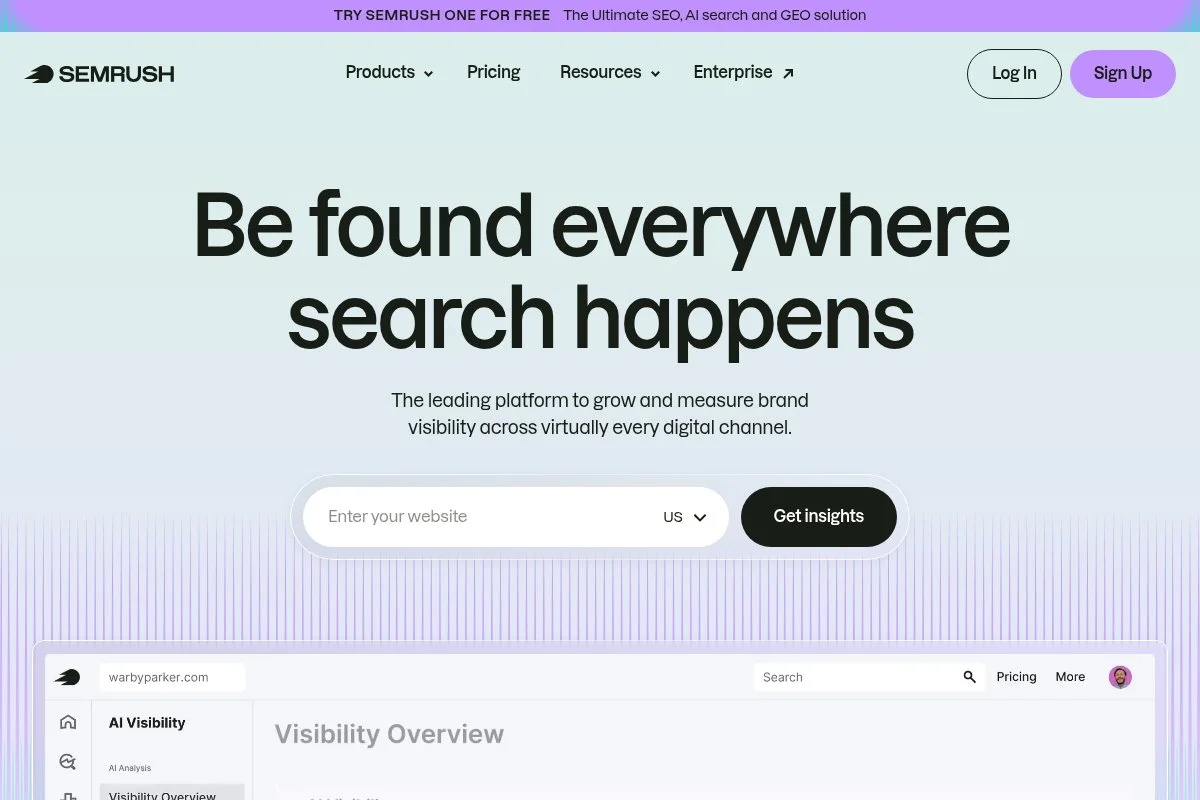
Semrush is an all-in-one SEO and competitive research suite built for teams that want everything in one place. They’ve been around for over a decade and are widely used by agencies, in-house teams, and solo operators.
You can start with a free account and move into paid plans from $129.95 per month. Setup is quick: add your domain, choose keywords, and turn on position tracking. The AI Overviews report (in supported regions) flags when AI answers appear and which domains get cited.
Recent updates added AI Overview detection to position tracking and new filters for SERP features. This helps separate classic rankings from AI-driven results so you can see shifts in coverage and loss to competitors.
On higher tiers, you get extras like Share of Voice, advanced reporting, and more historical data. The competitive intel stack—Keyword Gap, Backlink Gap, and Domain Overview—pairs well with AI visibility to plan content and links that earn citations.
I use Semrush weekly across client projects. It’s not perfect at AI answer coverage in every market yet, but the data is actionable, and the workflow is familiar to my team.
I also appreciate their documentation and fast feature rollouts. When AI answers changed behavior, Semrush responded with practical updates instead of marketing fluff.
How Semrush works and key features
Semrush’s interface is structured and approachable. Position Tracking shows daily rank movements and flags AI Overviews on tracked terms. Templates and preset reports make it simple to build executive dashboards with visibility and traffic projections.
Advanced users can connect Google Analytics and Search Console, schedule automated reports, and export data via API. You can also build content plans with Topic Research, then validate if those pages earn citations in AI answers.
Analytics include rank, visibility, Share of Voice, and SERP feature presence, including AI Overview detection where supported. Automated alerts can ping you when competitors enter or exit AI answers on tracked keywords.
Beyond tracking, you get site audit, link analysis, and content tools under one roof. Support is responsive, and their knowledge base is thorough for onboarding teammates.
“Semrush helps my team prioritize what actually moves the needle,” said a client’s content lead to me last quarter.
Overall, it’s friendly enough for beginners and deep enough for power users who want a single dashboard.
Who Semrush is for
Best for marketing teams, in-house SEOs, agencies, content strategists, and founders who need an all-in-one view. It shines when you want AI visibility next to classic rankings and competitive research. If you only need raw AI answer extraction or heavy customization, a developer-first tool or rank tracker API might fit better. No coding is required to get value here.
Semrush pricing
Semrush uses tiered pricing by features and limits. There’s a free plan with limited queries, and paid plans unlock more projects, keywords, and reporting depth.
- Free: $0/month, limited queries and projects, core research tools
- Pro: $129.95/month, entry limits, position tracking, site audit
- Guru: $249.95/month, higher limits, historical data, content tools
- Business: $499.95/month, large limits, Share of Voice, API access
Compared to enterprise suites, Semrush is fair for the feature set. Annual billing usually saves you money. If you scale keywords and locations quickly, watch add-ons and user seats to keep costs predictable.
Semrush pros and cons
Pros: Strong all-in-one suite; AI Overview detection tied to rank tracking; useful Share of Voice; fast setup; solid value for teams.
Cons: AI answer coverage varies by region; costs rise with add-ons; raw AI extraction is limited compared to APIs.
If you want one tool that does most things well, it’s hard to beat. If you’re building a custom data pipeline, pair it with an API.
Semrush reviews
G2: 4.5/5 rating (8,000+ reviews). Capterra: 4.7/5 rating (thousands of reviews). Overall sentiment is very positive for SEO and competitive research.
2. AccuRanker
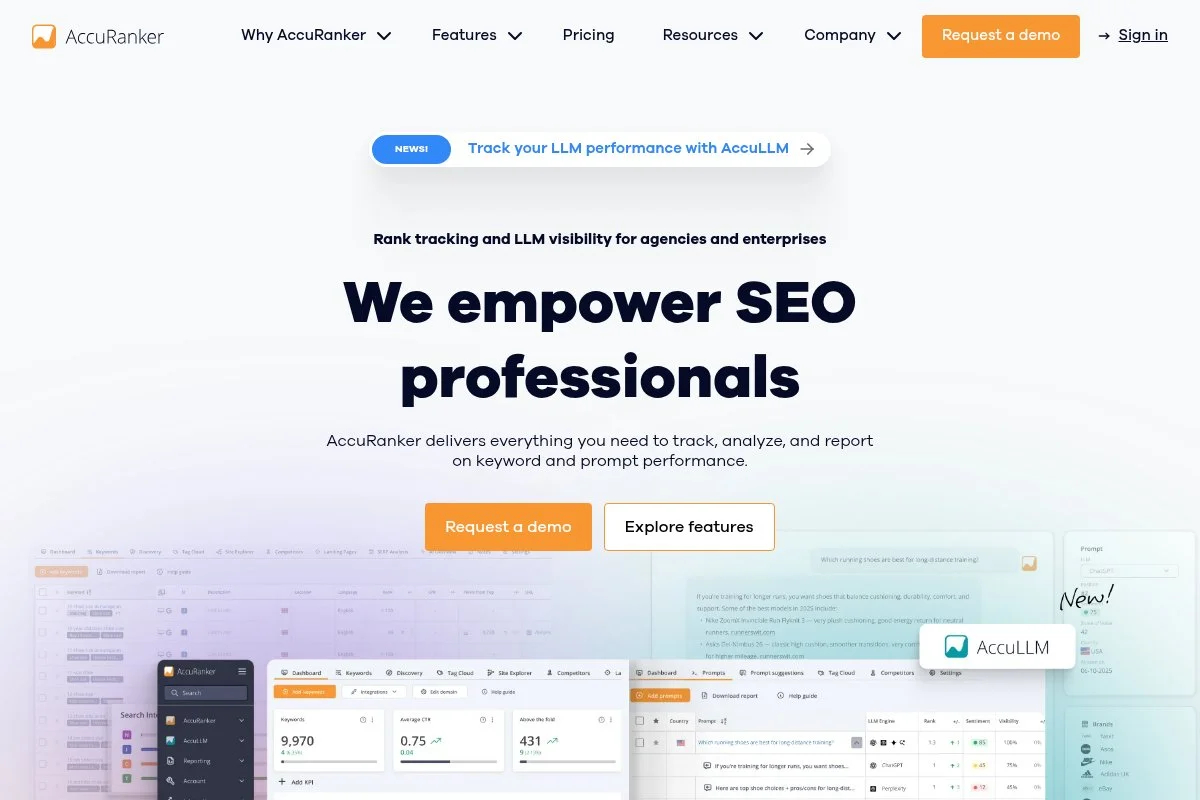
AccuRanker is a focused, fast rank tracker known for accuracy and refresh speed. The company has a strong foothold with agencies because of reliable data and flexible reporting.
Plans start at $129 per month for 1,000 keywords, and onboarding takes minutes. The interface is clean, with daily updates, instant on-demand refreshes, and filters that spotlight SERP features, including SGE/AI Overview appearances and citations.
They added SGE/AI Overview tracking and share of voice reporting, which helps connect AI presence to overall visibility. The timeline views make it easy to see when AI answers were introduced for a keyword and who got cited.
Higher tiers unlock more keywords, multiple search engines, and advanced reporting automation. The Data Studio/Looker connectors and exports are handy for agency dashboards and client-facing slides.
I lean on AccuRanker when I need fast, precise rank and feature detection across many markets. It’s my go-to for controlled tests and campaign reporting.
I also like their customer support. They answer with specifics, not scripts, which matters when you’re on a deadline.
How AccuRanker works and key features
The UI is minimal and quick. You get tag-based organization, smart filters, and instant refreshes. Templates help you spin up reports for AI Overview presence, featured snippets, and classic rank trends.
Advanced users can tag entities, group keywords by intent, and export data to BI tools. Analytics cover rank, volatility, share of voice, and SERP features with notes on AI answer presence and cited domains when detected.
Automations push alerts on rank drops, feature changes, and competitor entries. You can also schedule PDFs or connect to Looker Studio for live dashboards. Support is responsive through chat and email.
A client PM told me, “AccuRanker is the only rank tracker my execs open without hand-holding.” That sums up the clarity pretty well.
Overall, it’s built for speed and accuracy, with enough depth for advanced teams.
Who AccuRanker is for
Great for agencies, multi-market brands, technical SEOs, and anyone who lives in Looker dashboards. It excels at precise tracking and fast refreshes for tests and launches. If you want an all-in-one suite with audits and content tools, Semrush may fit better. No coding required.
AccuRanker pricing
AccuRanker uses usage-based pricing by keyword count with all core features included. You can start small and scale up as your tracking grows.
- Starter: $129/month, 1,000 keywords, daily updates, instant refresh
- Scaling tiers: Pricing rises with keyword volume; multi-engine support and exports included
- Enterprise: Custom volumes, SSO, dedicated support
The value is strong if you care about speed and precision. Annual plans reduce costs. As you add markets and devices, forecast keyword volume to keep budgets sane.
AccuRanker pros and cons
Pros: Very fast updates; clear AI Overview and SERP feature insights; solid exports; predictable pricing by keywords.
Cons: Not an all-in-one suite; costs can rise with large keyword sets; fewer content tools than platforms like Semrush.
Pick it if tracking accuracy is your top priority. If you want everything in one login, consider a suite instead.
AccuRanker reviews
G2: 4.7/5 rating (300+ reviews). Capterra: 4.8/5 rating (100+ reviews). Users highlight speed, clarity, and reliable data.
3. Advanced Web Ranking (AWR)
Advanced Web Ranking is a long-standing rank tracker with powerful segmentation and reporting. It’s well-loved by in-house teams that need flexible, scheduled exports and white-label reports.
You can get in at around $99 per month for roughly 2,000 keywords. Setup is straightforward: import keywords, choose search engines, and configure SERP features, including AI answer detection where available.
Recent releases expanded SERP feature coverage and improved research on competitive presence across result types. That includes better visibility into when AI answers appear and how often your domain is cited alongside others.
Upper tiers include more keywords, multiple users, and advanced API access. Custom dashboards, scheduled PDFs, and Looker Studio connectors make stakeholder reporting painless.
I use AWR when a client needs recurring, clean reports that separate classic ranks from AI answer coverage, without heavy manual work.
Support and documentation are solid, and the product team is thoughtful about data transparency.
How AWR works and key features
AWR’s interface leans data-first. You’ll work in clean tables and charts, with filters for tags, intent, and SERP features. Templates make it easy to build AI visibility reports next to standard ranks.
For advanced teams, there’s API access, custom fields, and integrations with analytics tools. Reporting covers rank distribution, share of voice, and feature presence, including AI answer flags on supported engines and locales.
Automation handles scheduled fetching, alerts, and stakeholder PDFs. The platform also includes modules for local packs, snippets, and other features that impact click behavior.
“AWR’s reporting saves us hours every month,” one in-house SEO told me after we switched their weekly deck to AWR exports.
Net-net: approachable for beginners, yet built to scale for larger keyword sets and multi-brand portfolios.
Who AWR is for
Best for in-house SEOs, performance marketers, agencies with recurring reports, and international teams. It’s strong for scheduled AI visibility reporting alongside standard ranks. If you want heavy competitive research or link tools in the same login, a suite like Semrush may be better. No coding needed.
AWR pricing
AWR offers tiered plans based on keyword volume and features. You can start smaller and scale as tracking grows.
- Starter: $99/month, ~2,000 keywords, core rank/SERP features
- Pro: ~$199/month, higher limits, advanced reporting
- Agency: ~$399/month, larger limits, more users
- Enterprise: Custom, highest volumes, API emphasis
Pricing is competitive for the volume. Annual plans reduce costs. As always, estimate by keywords, engines, and update frequency to avoid surprises.
AWR pros and cons
Pros: Strong scheduled reporting; clear SERP feature visibility; fair pricing per volume; good integrations.
Cons: UI is more data-heavy; fewer built-in content tools; AI answer coverage varies by locale.
Choose AWR if you want reliable, automated reporting at scale. If you want deeper research tools, pair it with a suite.
AWR reviews
G2: 4.4/5 rating (100+ reviews). Capterra: 4.6/5 rating (100+ reviews). Feedback highlights reporting strength and data accuracy.
4. Nozzle
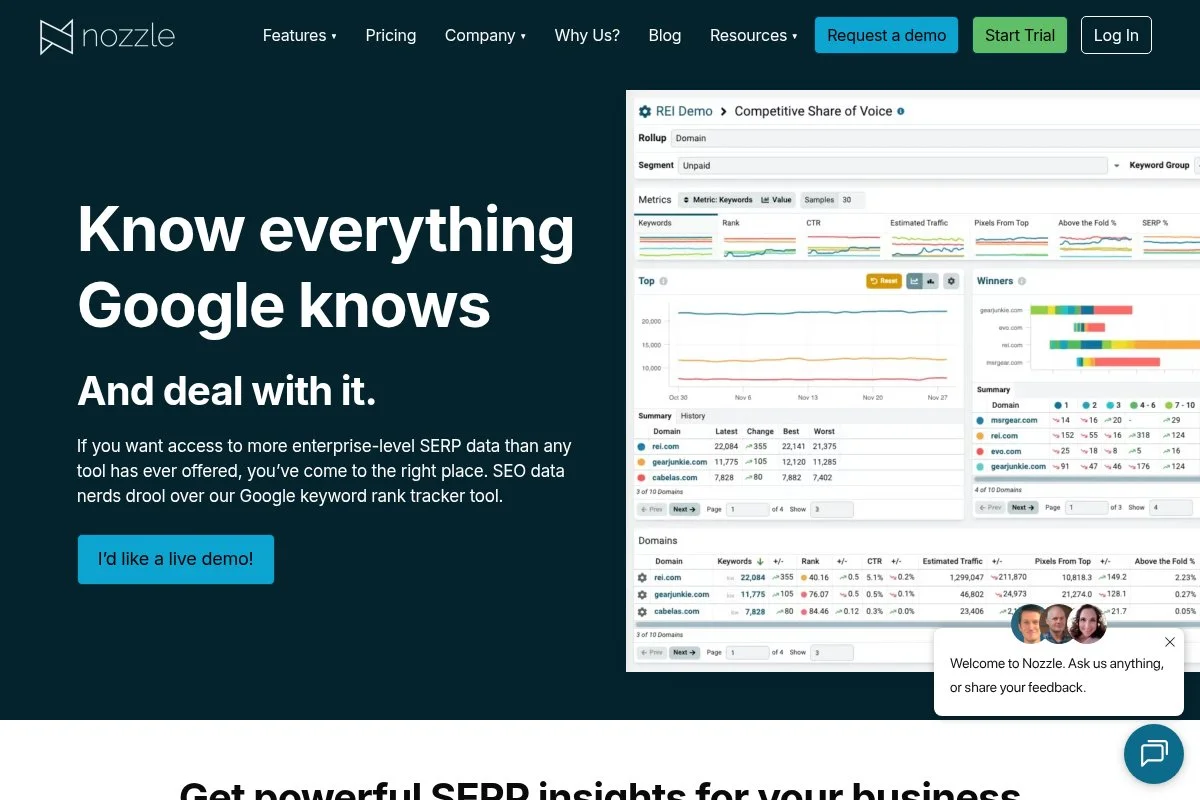
Nozzle is a highly granular rank tracker favored by technical SEOs who want raw SERP data. It’s flexible, metric-dense, and great for experiments and deep audits.
Pricing starts around $59 per month on a credit system, so you control crawl depth, frequency, and engines. Setup is more involved, but the payoff is detailed SERP feature capture, including AI/SGE cards where detected.
Over the past year, Nozzle improved SERP feature detection and export workflows, making it easier to build your own AI visibility dashboards in BigQuery or Looker.
Higher usage unlocks more credits, more frequent checks, and broader coverage. It’s tailored for users who value configurability and data access over hand-holding.
I use Nozzle when I need a microscope on a tricky market or query class. It lets me validate hypotheses that other tools gloss over.
Their team publishes helpful, technical content that shortens the learning curve.
How Nozzle works and key features
The interface leans technical. You’ll define schedules, devices, locations, and engines, then analyze detailed SERP snapshots. It captures a wide set of features and flags AI answer blocks when present.
Templates exist, but customization is the draw. Advanced teams can export granular data, pipe it into warehouses, and build AI visibility scorecards alongside rank and pixel depth.
Analytics include share of voice, feature presence, and competitor monitoring. Automations handle scheduled fetches and alerts. Support is friendly and practical, especially for technical questions.
One analyst told me, “Nozzle gave us the data we couldn’t get anywhere else,” after a messy migration project.
Overall, it’s powerful for advanced users. Beginners can use it, but expect a learning curve.
Who Nozzle is for
Great for technical SEOs, data analysts, growth teams running tests, and agencies doing forensic audits. It excels at granular SERP research and AI feature detection. If you want easy, out-of-the-box dashboards, start with a suite or a simpler tracker. Some comfort with data helps.
Nozzle pricing
Nozzle uses a credit-based model tied to frequency and volume. You choose how often to check and which engines, then budget credits accordingly.
- Starter: $59/month, entry credits, basic schedules
- Growth tiers: Higher monthly prices for more credits and frequency
- Enterprise: Custom credits, premium support, and data export options
Value is strong if you optimize your schedules. Annual discounts are available. If you track many markets daily, model credit burn to avoid surprises.
Nozzle pros and cons
Pros: Deep SERP capture; flexible schedules; great for custom dashboards; fair starter price.
Cons: Steeper learning curve; you manage credits; fewer non-SEO tools than suites.
If you love data control, you’ll love Nozzle. If you want plug-and-play reports, consider AWR or Semrush.
Nozzle reviews
G2: 4.6/5 rating (50+ reviews). Product Hunt: positive launch feedback. Reviews highlight data depth and flexibility.
5. SerpAPI
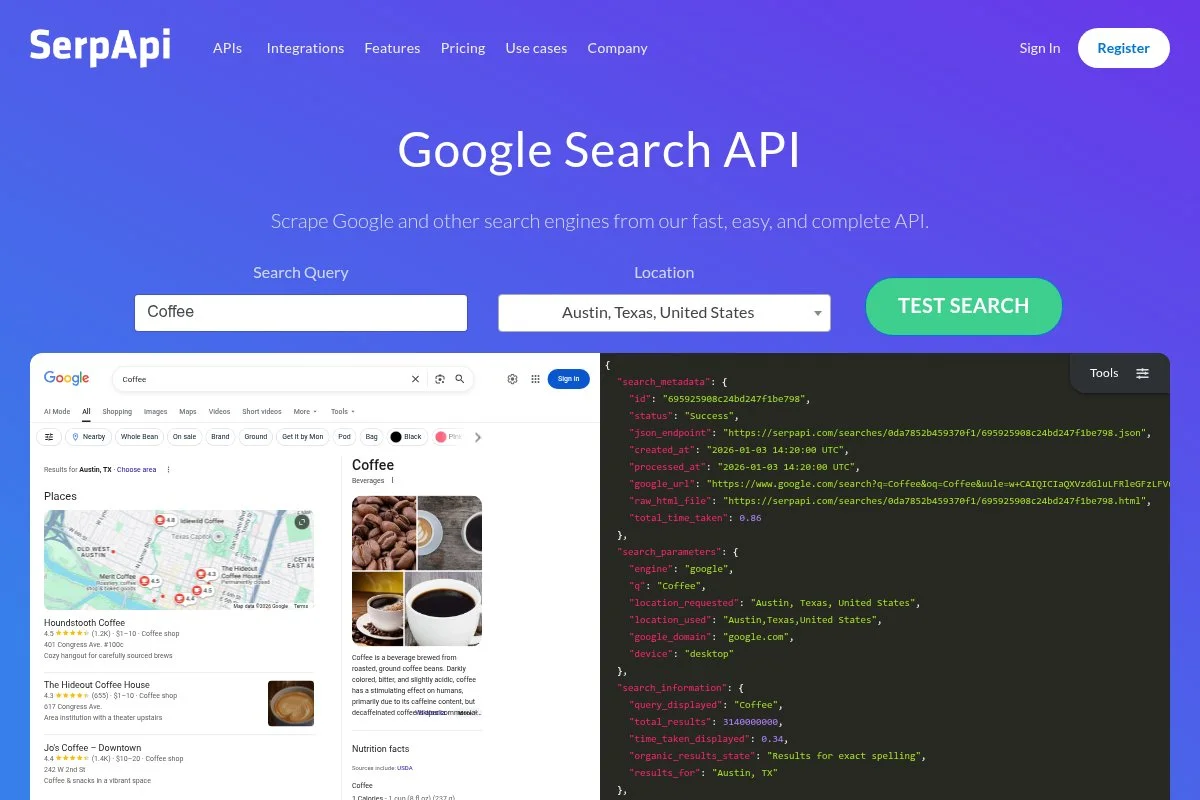
SerpAPI is a developer-first SERP extraction API. It returns structured JSON for Google results, including AI Overview fields when present, so you can build your own AI visibility monitor.
It’s free for 100 searches per month, then starts at $50 per month for 5,000. Setup takes minutes for anyone comfortable with APIs. You’ll script queries, parse AI answer blocks, and store citations for trend analysis.
Recent updates expanded Google fields and improved reliability and speed. That stability matters when you’re scheduling thousands of requests.
Higher tiers increase request volume and add concurrency. If you want complete control of locations, timing, and storage, SerpAPI is a solid backbone.
I use SerpAPI when a client needs custom dashboards or when rank trackers lag on a niche feature we care about.
Their docs are clear, and support has been helpful with edge cases.
How SerpAPI works and key features
You call SerpAPI endpoints with your query, engine, and locale. It returns structured results with fields for organic listings, features, and AI Overview data when available.
There are no templates—this is build-your-own. Advanced users wire it to a database, then visualize trends in Looker, Power BI, or a custom app. You can schedule automations via cron or a serverless platform.
Analytics come from what you compute: presence, citation counts, and share of voice across terms. Support is developer-friendly and responsive on technical questions.
A data engineer on my team said, “SerpAPI gave us the fields we needed without babysitting a scraper.”
It’s ideal for advanced users. Beginners can learn it, but expect to write code and manage data storage.
Who SerpAPI is for
Best for developers, technical SEOs, data teams, and product analysts. It excels at custom AI visibility pipelines and experiments. If you want an interface and canned reports, use a tracker like Semrush or AccuRanker. Technical skill required.
SerpAPI pricing
SerpAPI uses usage-based pricing by request volume. The free tier is enough for proof-of-concept, and paid plans scale cleanly.
- Free: $0/month, 100 searches, test usage
- Starter: $50/month, 5,000 searches, standard support
- Business and up: Higher volumes, faster throughput
It’s cost-effective versus maintaining your own scraper. Annual billing can reduce costs. Model your keyword list, frequency, and locales to project usage.
SerpAPI pros and cons
Pros: Reliable API; AI Overview fields; fast to integrate; fair pricing per request.
Cons: No UI; you own storage and dashboards; technical setup required.
If you want control, this is excellent. If you want plug-and-play reports, pick a tracker.
SerpAPI reviews
G2: 4.8/5 rating (50+ reviews). Product Hunt: positive developer feedback. Reviews focus on reliability and documentation.
6. Aaron’s AI Visibility Chrome Extension
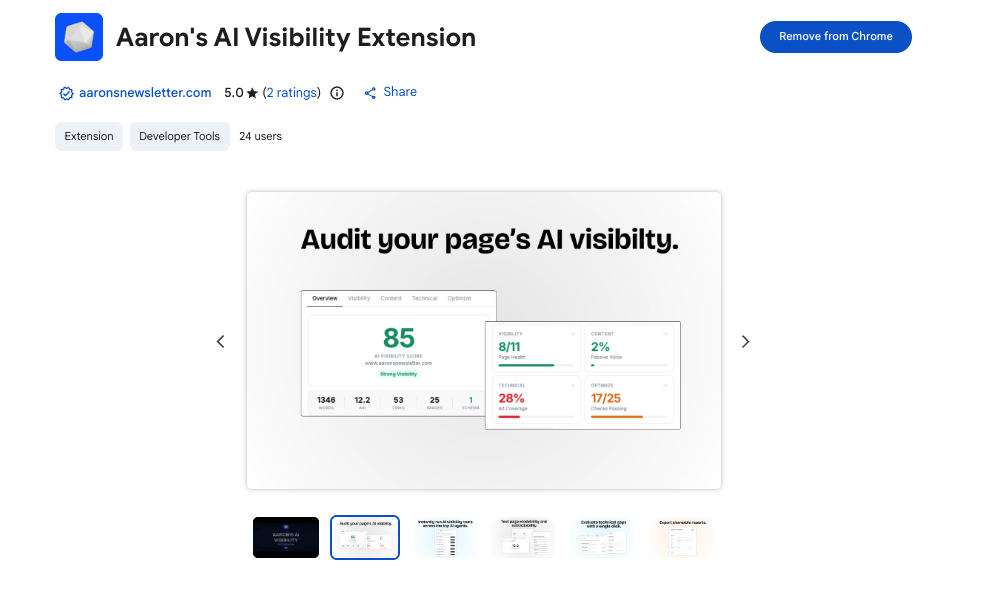
This is the free Chrome extension I built for quick AI visibility checks. It’s a lightweight companion, not a full tracker, built for spot-checking page-level presence.
It’s free to install. You open a results page, click the extension, and scan whether AI answers show and which sources get cited. It’s ideal for fast validation in meetings or while researching.
Recent updates focused on UI clarity and faster detection. I also added simple copy-to-clipboard so you can paste citations into notes or tickets.
There’s no paid tier. I built it to make my own workflow faster, then shared it because clients kept asking for a quick sanity check tool.
I use it daily for first-pass checks before pulling full reports from Semrush or AccuRanker.
I keep a short guide and change log on my site to help users ramp up quickly.
How the AI Visibility Chrome Extension works and key features
The interface is simple: click the extension on a results page and it attempts to detect AI answer cards and surface the visible citations. You can copy the detected sources into your notes.
There are no templates or heavy settings. Advanced users can pair it with a tracker or API to turn spot checks into full reports. Analytics are manual—you’ll paste findings into your docs or dashboards.
No automation beyond the browser action. Support is a short guide and my inbox; I answer common questions and ship small updates based on feedback.
One of our account managers told me, “This saved us from chasing ghosts in a meeting,” after a quick check showed the AI answer had changed overnight.
Overall, it’s beginner-friendly and handy for experienced users needing quick confirmation.
Who the AI Visibility Chrome Extension is for
Great for content leads, founders, SEOs, PMs, and analysts who want fast spot checks. It’s useful in live meetings, audits, and early research. If you need scheduled tracking, historical charts, or exports, pair it with a rank tracker or SerpAPI. No technical skill required.
AI Visibility Chrome Extension pricing
The extension is free. There’s no paid plan, seat limit, or usage cap. It’s designed to complement your main tracking stack, not replace it.
- Free: $0/month, page-level checks, copy citations
Value is straightforward: it saves time when you only need a quick answer. If you want alerts or scheduled checks, use it alongside Semrush, AccuRanker, AWR, or SerpAPI.
AI Visibility Chrome Extension pros and cons
Pros: Free; very fast; perfect for quick checks; zero setup.
Cons: No history; no automation; manual recording; depends on the page you’re viewing.
Use it as a helper tool. For full tracking and reports, pair it with a primary platform.
AI Visibility Chrome Extension reviews
No third-party review listings yet. I collect feedback directly and ship updates based on real usage.
What is the best AI search visibility tool right now?
If I had to pick today, my top three are Semrush, AccuRanker, and SerpAPI. Semrush is my default for teams who want AI visibility next to classic SEO. AccuRanker is my choice for fast, precise tracking. SerpAPI is my pick for custom pipelines.
Semrush is my number one because I actually use it across clients every week. This isn’t sponsored. I landed on it after trying to juggle multiple tools to explain why traffic was shifting. The moment I saw AI Overview flags next to ranking data and Share of Voice in one view, it clicked. The winning factor was workflow speed for my team.
On value, Semrush scales well for most teams. Pro at $129.95 per month gets you in the door, and Guru adds history and content tools without jumping straight to enterprise spend. Alternatives can match some features, but you’ll often need two or three tools to replicate the same clarity.
AccuRanker is a close second. If your job is precise tracking and reporting, it excels with speed and accuracy. Their SGE/AI Overview tracking and instant refreshes make it ideal for tests and product launches. I use it whenever a campaign needs tight, daily feedback loops.
AccuRanker’s special strength is clear reporting and quick filtering. If my work were 90% rank tracking and 10% research, I might choose it as my main tool. It’s that good at the core job.
SerpAPI is my third pick, especially if you need to build a custom AI visibility dashboard. It’s affordable at low volumes and lets you track exactly what matters to your business. If you don’t need a UI and love control, it’s perfect.
I also use my AI Visibility Chrome Extension for spot checks and Nozzle for deep dives. Different tools for different jobs. On big programs, I’ll often pair Semrush or AccuRanker with SerpAPI to fill gaps.
Choosing between the top options is honestly tough. I stuck with Semrush as my main hub because it sped up team workflows and kept reports simple for stakeholders, while still giving me enough AI visibility data to act.
I hope this helped you narrow the field. If you’re still unsure, start with a free Semrush account, run a SerpAPI test, and use the extension for quick checks. Then scale from there. Happy tracking.
Frequently Asked Questions
Q: How do you calculate an AI Search Visibility Score?
I use a weighted mix of presence in AI answers, citation count, and position within the answer panel across tracked queries. Then I normalize against competitors to get share of voice. It’s directional, not absolute.
Q: How often should I track AI answers?
Weekly is a good baseline. For product launches or fast-moving topics, I move to daily on a smaller keyword set. I also spot check during major algorithm changes.
Q: Which tool is best if I have zero budget?
Start with my free AI Visibility Chrome Extension for quick checks and a free Semrush account for basic tracking. If you can script a bit, SerpAPI’s free tier is great for tests.
Q: How do I improve my chances of being cited in AI answers?
Strengthen entity clarity and source credibility. Use clear headings, cite primary data, add structured data, and earn links from trusted sources. Then monitor which pages win citations and replicate the patterns.
