

I spend my days helping brands win search and AI visibility fights they can’t afford to lose. That means living inside AI SEO tools — not just reading about them.
A few years back, I needed to scale high-quality SEO output across multiple industries without burning out our teams or our clients’ budgets. Keyword research, content briefs, technical audits, and on-page optimization had to move faster — and they had to move together.
What pushed me over the edge was watching leaner competitors outrank established names by pairing solid SEO strategy with smart AI workflows. They weren’t publishing more. They were publishing smarter, targeting the right intent signals, and showing up in places traditional SEO alone couldn’t reach — including AI-generated answers.
Finding the right AI SEO stack took longer than I’d like to admit. Demos looked impressive, but in real campaigns, some tools buckled under volume, produced generic content that killed engagement, or missed the technical nuances that actually move rankings.
The teams that consistently win don’t chase every shiny feature. They nail the fundamentals: keyword and intent research that reflects how people actually search, content that reads like a human wrote it, and technical SEO tied to outcomes you can measure — including visibility in ChatGPT, Perplexity, and Google’s AI Overviews.
You don’t need the most expensive platform to get there. You need the one that fits your workflow, your team size, and where you’re trying to take your organic growth.
This guide pulls directly from what I use in real campaigns at Relevance — tools that held up under real deadlines and actually moved rankings, earned LLM citations, and drove conversions for our clients.
If you want a quick snapshot before the deep dives, start with the summary table below.
Best AI SEO tools in 2026 that our team recommends
Scroll for my hands-on notes with pros, cons, and which one I actually use daily. I’ll also flag free or low-cost options if you’re just starting.
What is an AI SEO tool?
An AI SEO tool is software that uses machine learning to research keywords, generate content briefs, suggest on-page optimizations, and help draft or improve copy aligned with search intent.
In SEO we say: publish for people, optimize for intent. AI helps bridge that gap. It speeds research and turns messy inputs into structured outlines, so you keep control while moving faster.
Think of it like ad spend math. A single optimized article that ranks can drive steady organic clicks equal to hundreds of dollars in paid traffic each month. One strong page beats ten unfocused ones.
At its core, this category serves marketers, editors, and creators who want to plan topics, draft helpful content from SERP data, and ship pages that win rankings and citations in AI answers.
Teams often pair AI SEO tools with analytics (GA4), rank tracking, link outreach tools, and CMS plugins to publish changes quickly and measure results over time.
Not every platform does all of this equally well, so picking the right fit matters.
How to choose the best AI SEO tool
With so many options, it’s easy to feel overwhelmed. Feature lists look similar, pricing pages hide limits, and real performance only shows up once you’re deep in a campaign.
I wrote this guide to help you find a tool that fits your workflow today and won’t block your growth tomorrow.
Most “best of” lists are written by the companies themselves or by media sites selling placements. I’m not sponsored by any platform in this list. This is my straight take based on what worked in real client engagements.
Here are some questions you should ask when looking for an AI SEO tool:
- How generous is the free tier or trial, and what’s limited?
- Can I do core tasks fast (research, briefs, optimization) without a manual?
- Will this scale to dozens or hundreds of pages a month?
- How does pricing climb as documents, users, or credits grow?
- Does it cover my must-haves: outlines, scoring, SERP data, and exports?
- Are analytics clear enough to tie work to results?
- If I leave, can I export everything and migrate cleanly?
- How reliable is the content quality and scoring across different niches?
- Does it integrate with my CMS and editorial tools without hacks?
It’s a lot, I know. The ranked list below bakes in those questions so you can move with confidence.
Okay, enough of me rambling, let’s get into the list.
6 best AI SEO tools in 2026
Here are my top picks for the best AI SEO tools:
- Surfer SEO
- Clearscope
- Semrush
- Frase
- Scalenut
- MarketMuse
Let’s see which one is right for you.
1. Surfer SEO
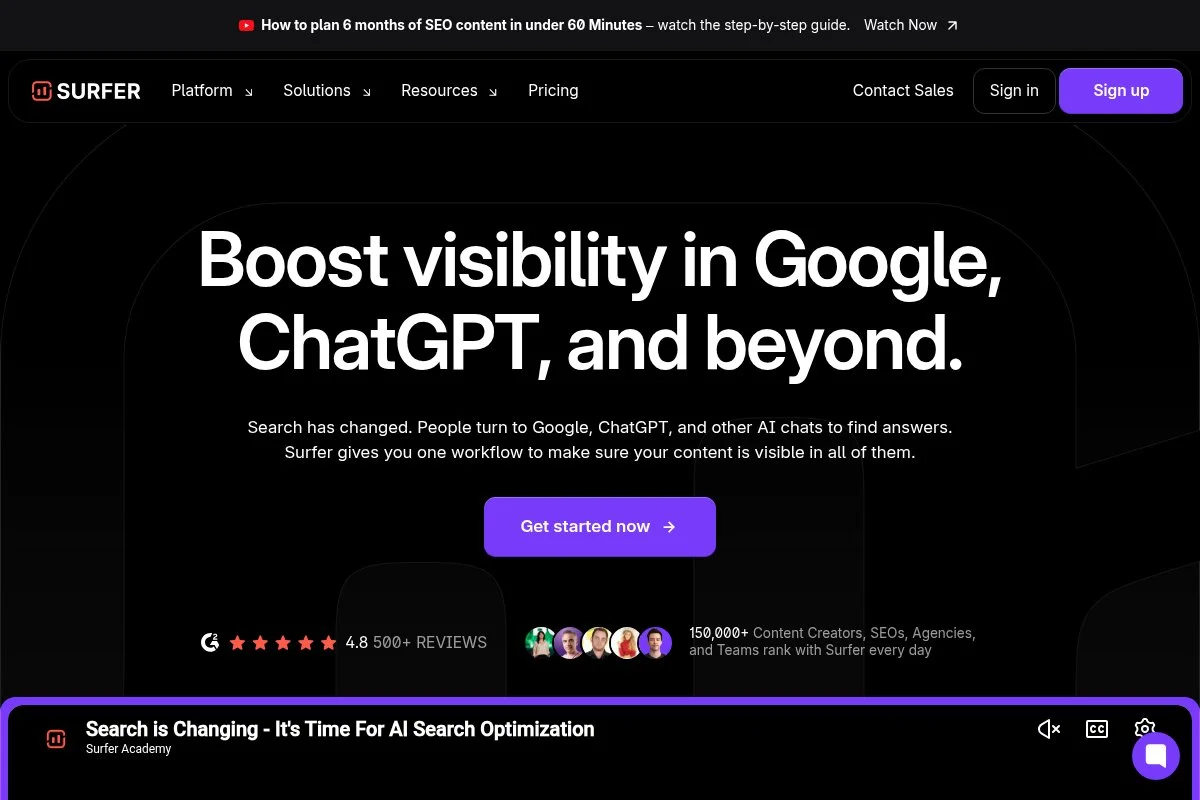
Surfer SEO is an on-page optimization and content workflow platform designed for teams that want SERP-driven briefs, AI drafting, and live content scoring in one place. It’s been a staple among content agencies for years, and the team ships improvements fast.
Getting started is simple. Plans start at an entry “Essentials” level, and the Content Editor is the core experience. You drop in a keyword, get a data-backed outline, and write against Surfer’s content score. Daily tasks include outline building, NLP term coverage, and competitor gap checks.
Recent updates focus on faster brief generation, tighter integrations, and AI-assisted drafting that better respects tone and brand rules. The result: fewer rewrites and tighter alignment with what already wins the SERP.
Higher-tier plans unlock more seats, more Content Editors, and features like advanced audit recommendations across clusters. For teams scaling production, these extras cut time from research to publish. Many alternatives split these into separate tools; Surfer keeps it in one flow.
I use Surfer weekly inside client content sprints. It’s not perfect, but the content score + SERP terms guardrails help writers stay on brief and ship faster.
Support is responsive, and the documentation is practical. I also like their templates and training videos that help new editors get value in their first hour.
How Surfer SEO works and key features
Surfer’s editor is a WYSIWYG writing space with a live content score and recommended terms panel. You can pull outlines, H2/H3 ideas, and questions from top-ranking pages, then tune coverage and length as you write.
Templates speed up briefs, and you can customize guidelines for tone and structure. Power users export outlines, connect to CMS workflows, and run site audits that flag quick wins by page. Integrations cover Google Docs and more.
Analytics report content scores, term coverage, and improvements after updates. You can automate parts of brief creation and run audits across a batch of URLs. Surfer also includes tools for keyword ideas and internal linking suggestions.
Support includes a help center, chat, and training sessions. A content lead I work with told me, “It’s the only score our writers actually respect,” which matches my experience guiding teams.
Overall, it’s beginner-friendly for drafting and powerful enough for editors running high-volume calendars.
Who Surfer SEO is for
Best for content teams, agencies, startups, e-commerce brands, B2B SaaS marketers, and in-house editors who need SERP-driven briefs and clear on-page guidance. It excels at optimizing drafts, refreshing aging posts, and aligning freelancers fast. If you need deep link analytics or full technical SEO, pair it with a crawler. No heavy technical skill required.
Surfer SEO pricing
Surfer uses tiered pricing based on features, content editors, and seats. A free trial or money-back window is periodically available.
- Essentials: $89/month, entry allotment of Content Editors, includes Content Editor, SERP terms, and basic audits
- Advanced: $179/month, higher limits and seats, includes audit expansions and more keyword research capacity
- Max: $299/month, for larger teams, includes advanced features, priority support, and larger document volumes
- Enterprise: Custom, higher volumes, SSO, and dedicated support
Value-wise, Surfer sits mid-market and scales well for growing teams. Annual billing usually discounts the monthly rate. If you’re pushing dozens of articles per month, the time saved on briefs and audits tends to outweigh the cost.
Pros and cons of Surfer SEO
Pros
- Excellent live content scoring with clear SERP term guidance
- Strong brief generation and outline suggestions
- Scales well for agencies and in-house teams
- Fair value compared to piecing together multiple tools
Cons
- Scoring can over-encourage term stuffing if you don’t edit wisely
- Credit limits require planning on lower tiers
- Not a full technical SEO suite—needs a separate crawler
If you want fast, reliable on-page optimization tied to real SERP data, Surfer is a top pick. If you need deep technical audits or link data, pair it with another platform.
Surfer SEO reviews
G2 and Capterra host current reviews for Surfer SEO with consistently positive ratings (typically 4/5 or higher). Check the live listings for up-to-date counts and details.
2. Clearscope
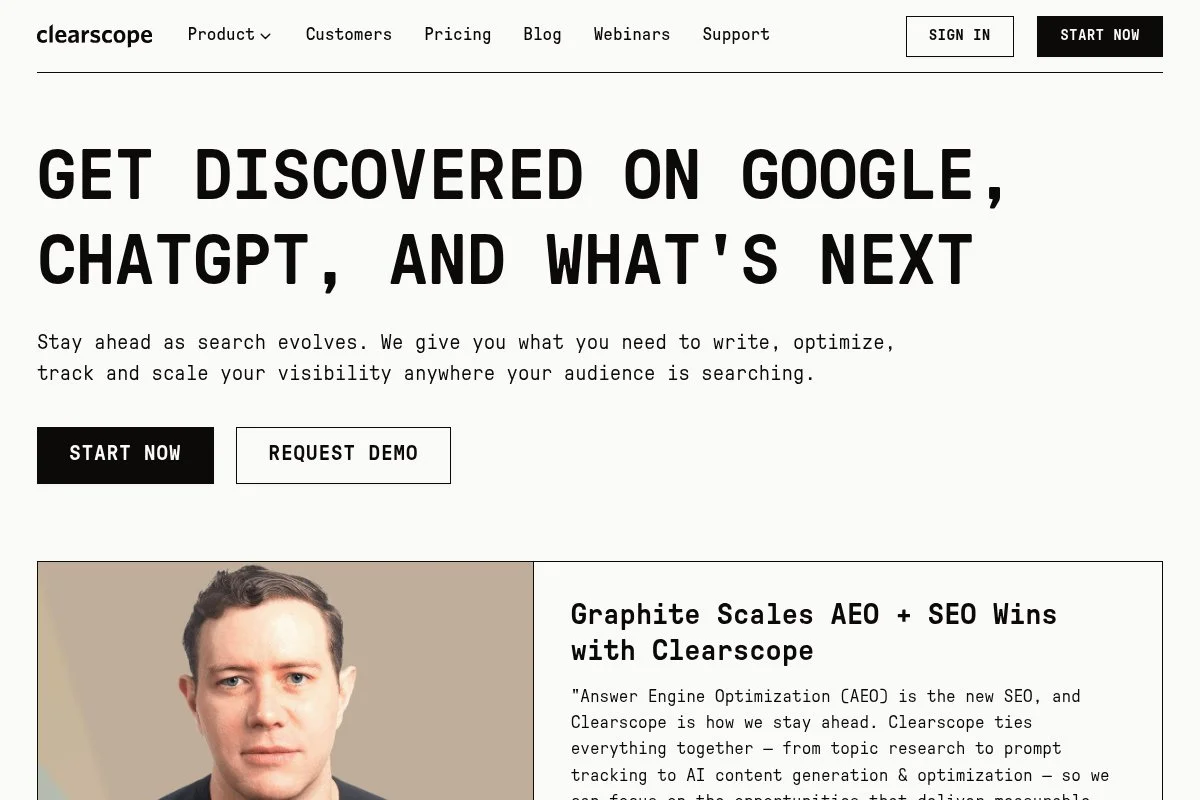
Clearscope is a precision-focused content optimization platform used by editorial teams that care about clean interfaces and reliable guidance. It’s been adopted by major publishers and SaaS brands for its quality scoring and term suggestions.
Onboarding is quick. You enter a target keyword and get a concise report with term recommendations, competitors, and an editor-grade content score. The Google Docs add-on and web editor keep writers in flow.
Recent updates have improved language coverage and data freshness. The Docs add-on is smoother than most, which matters if your team lives in Docs. The net effect is less friction between research and drafting.
Higher plans add more seats, more reports, and team controls. While Clearscope doesn’t try to be an “all-in-one,” its strength is giving editors the right signals without noise. That focus is why it sticks in enterprise stacks.
I reach for Clearscope when I need to tighten a draft fast or keep a brand’s voice intact with minimal tool overhead. Our editors appreciate the clarity more than bells and whistles.
Documentation is solid, and their customer success team is hands-on with onboarding for larger accounts.
How Clearscope works and key features
Clearscope’s editor is clean and distraction-free. Reports list recommended terms with usage guidance, top competitors, and a readability target. Writers edit while watching the score improve, avoiding over-optimization.
Templates are minimal but practical. Advanced users rely on the Docs add-on and exports to move content into CMSs. While it’s not a technical suite, integrations cover common editorial workflows.
Reporting focuses on content grades and coverage metrics—easy for stakeholders to grasp. Automation is light; think repeatable report creation, not complex sequences. Clearscope stays in its lane and executes well.
Support quality is high, especially for onboarding multi-writer teams. One editor told me, “It’s the least fussy tool we use, and that’s why we keep it.” — Senior Content Lead, B2B SaaS.
Overall, it’s beginner-friendly and editor-approved, with enough depth for senior strategists who want reliable, clean data.
Who Clearscope is for
Ideal for content editors, in-house brand teams, agencies, SaaS marketers, and publishers who want precise optimization without extra complexity. Great for updating high-value pages and briefing freelancers. If you need keyword databases or site-wide audits, pair with a broader SEO platform. No technical skills needed.
Clearscope pricing
Clearscope prices by plan and report volume, with seats included at higher tiers. There’s no perpetual free plan; trials are offered periodically.
- Essentials: $199/month, entry report limits, includes editor, term recommendations, Docs add-on
- Business: $399/month, higher limits and more seats, includes team management and priority support
- Enterprise: Custom, SSO, advanced controls, onboarding services
It’s pricier than some AI-first tools, but the editorial clarity saves time. Annual billing can lower the effective monthly rate. If content quality is your north star, the spend is easy to justify.
Pros and cons of Clearscope
Pros
- Crisp editor with reliable scoring and terms
- Excellent Google Docs add-on for real workflows
- Strong fit for enterprise editorial standards
- Predictable, easy-to-explain reports
Cons
- Higher price than several AI-first competitors
- Not a full SEO suite—needs companion tools
- Limited automation beyond report creation
Choose Clearscope if you want dependable guidance in a clean package. If budget is tight or you need broad SEO features, consider alternatives.
Clearscope reviews
Clearscope holds consistently positive ratings on G2 and Capterra. Public review counts can change; check their listings for the latest numbers and feedback.
3. Semrush
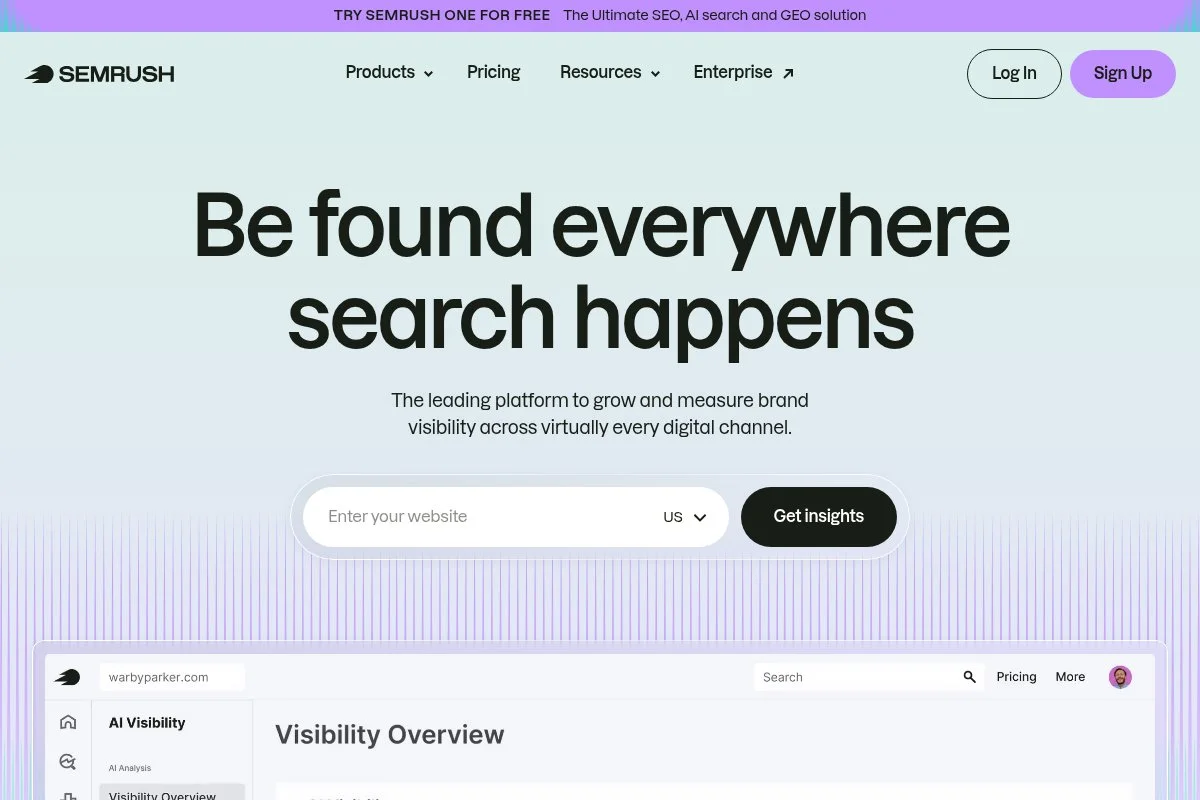
Semrush is a full-stack SEO and marketing platform with AI-assisted tools layered on keyword research, content templates, and on-page audits. It’s one of the most recognized names in SEO software.
Setup is straightforward: start a project, connect your site, and run site audits, position tracking, and content templates. Daily work includes keyword discovery, topic clustering, content briefs, and monitoring visibility.
Recent product work has strengthened content outlines, AI writing helpers, and integrations across the Semrush App Center. The platform keeps consolidating tasks many teams used to juggle across separate tools.
Higher tiers expand reporting limits, historical data, and collaboration. While Semrush is broader than a pure “AI SEO” editor, its combo of research, audits, and AI assistance makes it a strong one-stop option.
I use Semrush to validate topics, build clusters, and brief writers at scale. It’s the backbone for accounts that need reliable data plus content workflows.
Their knowledge base and community are deep, and support is solid. You’ll find tutorials for almost any workflow you want to build.
How Semrush works and key features
The interface centers on “Projects.” From there, you run Site Audit, Position Tracking, and Content tools. Templates suggest terms, recommended length, and headings, which feed into AI-assisted drafting if you want it.
Templates and reports are plentiful, and power users can pull data into dashboards. Advanced users integrate with GA4, GSC, and third-party tools. Analytics cover visibility, share of voice, backlinks, and site health.
Automation includes scheduling audits, tracking updates, and alerts. Semrush also offers extras—link building outreach helpers, social scheduling, and a marketplace for content briefs. Support includes chat, docs, and training courses.
Overall, it’s balanced for beginners and advanced teams who need breadth with reliable data.
Who Semrush is for
Great for in-house SEO managers, agencies, e-commerce teams, and B2B marketers who want research, audits, and AI content help in one platform. If you only need an editor-grade optimizer, it may feel heavy. Minimal technical skill required for basics; advanced features reward power users.
Semrush pricing
Semrush uses tiered pricing based on features, limits, and users. Trials are often available.
- Pro: $129.95/month, core SEO tools for small teams, includes projects, keyword research, and site audits
- Guru: $249.95/month, more limits and historical data, includes content tools and reporting
- Business: $499.95/month, advanced limits for larger teams, includes API access and extended features
- Enterprise: Custom, tailored features and support
Semrush is pricier than single-purpose tools but replaces several subscriptions. Annual billing reduces the per-month rate. If you run multi-channel SEO, it’s often the best value.
Pros and cons of Semrush
Pros
- End-to-end SEO plus AI-assisted content tools
- Reliable keyword data and site auditing
- Scales with teams and complex projects
- Huge library of training resources
Cons
- Costs add up on higher tiers and add-ons
- Can feel heavy if you just need on-page help
- AI drafting is helpful but not a specialist writer
If you want one platform to manage most SEO tasks, pick Semrush. If you only need content optimization, a lighter tool may be cheaper.
Semrush reviews
Semrush earns strong ratings across G2 and Capterra with large review volumes. Check live listings for current star ratings and user counts.
4. Frase
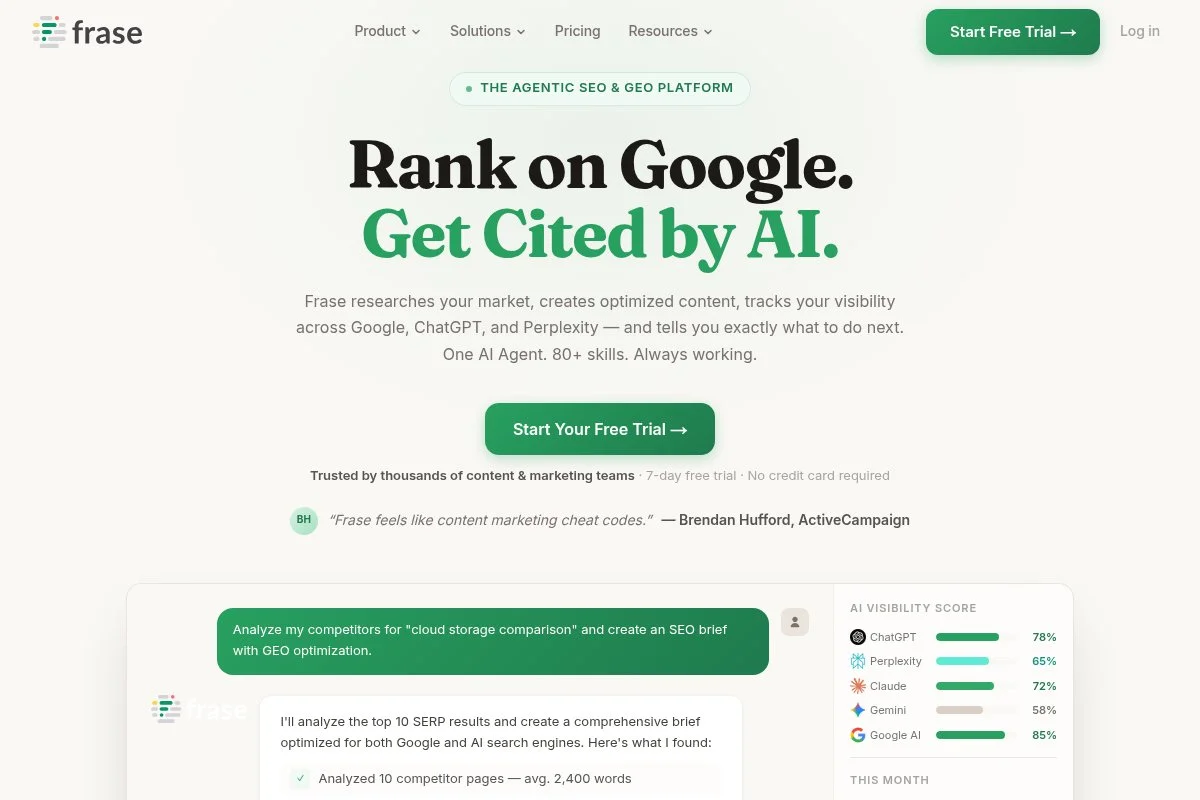
Frase is an AI content research and drafting tool focused on fast briefs and outlines at a friendly price. It’s popular with solo creators and small teams that need speed without enterprise costs.
You start by entering a keyword. Frase pulls SERP analysis, common questions, and headings to build a quick outline. The AI writer helps create first drafts that you can refine with content scoring.
Recent improvements have sharpened outline quality and writing controls. The UI remains approachable, which keeps new users from getting lost in settings.
Upper tiers increase document limits, users, and analytics. While it’s not a deep technical SEO tool, Frase covers the core planning-to-draft workflow well and integrates with common CMSs using copy/paste or exports.
I like Frase for fast ideation and briefs. For teams just getting started, it’s a low-friction way to ship decent drafts fast.
Support and help docs are straightforward. The Facebook community and tutorials make learning easy for beginners.
How Frase works and key features
Frase offers a simple editor with SERP data, questions, and competitor headings on one screen. You can pull sections into an outline, then generate draft text and refine it against a content score.
Templates help standardize briefs for recurring formats. Advanced options include custom instructions and building your own outline frameworks. Reporting shows content grade and coverage so you can spot gaps.
Frase includes AI writing assistance, research tools, and basic analytics. Automation is lightweight but practical for repeated topic structures. Support is available via docs, chat, and community.
For small teams, the balance of simplicity and capability is strong. “Frase gives us an outline we can trust in minutes,” said a solo blogger I coach.
Overall, it’s beginner-friendly with enough power to run a lean content calendar.
Who Frase is for
Great for solo bloggers, niche site builders, small agencies, and startups that need quick briefs and AI drafts. Strong for FAQ content, blog posts, and page refreshes. If you want enterprise reporting or deep audits, look elsewhere. No special technical skill required.
Frase pricing
Frase uses tiered pricing based on documents and users, with an optional AI writer add-on.
- Solo: $14.99/month, 1 user, entry-level docs, core research and outline tools
- Basic: $44.99/month, higher doc limits, includes AI writing features
- Team: $114.99/month, more users and documents, collaboration features
- AI Writer Add-on: additional monthly fee for expanded AI credits
Compared to peers, Frase is budget-friendly. Annual billing reduces the monthly cost. If you’re experimenting with AI content, this is one of the lowest-risk starting points.
Pros and cons of Frase
Pros
- Fast briefs and outlines with clear SERP context
- Low entry price with scalable tiers
- Beginner-friendly editor and templates
- Active user community
Cons
- Content quality varies—requires editing to match brand voice
- Limited technical SEO features
- Credits can run out quickly on high-volume months
If you want an affordable way to plan and draft, Frase is a strong pick. If you need enterprise controls or deep audits, choose a broader suite.
Frase reviews
Frase is reviewed on G2 and Capterra with generally positive feedback for ease of use and pricing. Check the live listings for the latest star ratings and counts.
5. Scalenut

Scalenut is an AI content and SEO platform built around Cruise Mode—its guided flow for research, outlines, and long-form drafts. It’s aimed at teams that want quick turnarounds with structured steps.
You start with a keyword, run the research snapshot, and Scalenut assembles headings, questions, and competitor data. The guided flow creates an outline and first draft, then you refine with optimization suggestions.
Recent enhancements improved SERP analysis and content scoring, making the recommendations more consistent. Integrations and exports help move drafts into your CMS without friction.
Higher tiers increase credits, add collaboration, and expand keyword planning. It’s a strong fit if you like a structured AI drafting process rather than a blank page.
We’ve used Scalenut for first-draft generation to hand off to editors. It saves time on idea-to-draft, especially for list posts and how-tos.
Support is responsive, and their tutorials are practical for onboarding junior writers.
How Scalenut works and key features
The editor walks you through research, outline, and drafting. You get recommended terms, competitor insights, and a content score. Cruise Mode is the star—click through steps to generate a coherent draft fast.
Templates are abundant and customizable. Advanced users can tweak tone and structure. Analytics focus on content grade and coverage; rank tracking requires pairing with another tool.
Automation shows up in repeatable workflows, content plans, and batch processing. Scalenut also supports brief exports and CMS-friendly formatting. Support covers chat, docs, and video guides.
Overall, it’s friendly for beginners and efficient for teams that value guided AI drafting.
Who Scalenut is for
Best for content teams, agencies, freelancers, and SMBs that need fast long-form drafts with structure. Great for how-tos, comparison pieces, and refreshes. If you already have a mature editorial process and only need optimization, a leaner tool could fit better. No heavy technical skill needed.
Scalenut pricing
Scalenut uses tiered pricing by features and AI credit limits, with trials frequently offered.
- Essential: $39/month, entry AI credits, includes Cruise Mode and basic SEO features
- Growth: $79/month, more credits and users, includes advanced planning and collaboration
- Pro: $149/month, higher limits for agencies, includes priority support
- Enterprise: Custom, tailored limits and onboarding
It’s competitively priced for AI drafting at scale. Annual billing reduces costs. If you need lots of credits, Growth or Pro often makes more sense than overworking Essential.
Pros and cons of Scalenut
Pros
- Structured Cruise Mode reduces blank-page time
- Solid value across tiers
- Good optimization guidance for most niches
- Beginner-friendly onboarding
Cons
- Drafts still need a strong editor pass
- Less suitable for complex technical content
- Rank tracking requires a separate tool
If you want AI to get you to a usable first draft fast, Scalenut fits. If your workflow is optimization-only, consider Surfer or Clearscope.
Scalenut reviews
Scalenut receives positive feedback on G2 and Product Hunt for speed and value. Ratings and review counts change; check those listings for the latest numbers.
6. MarketMuse
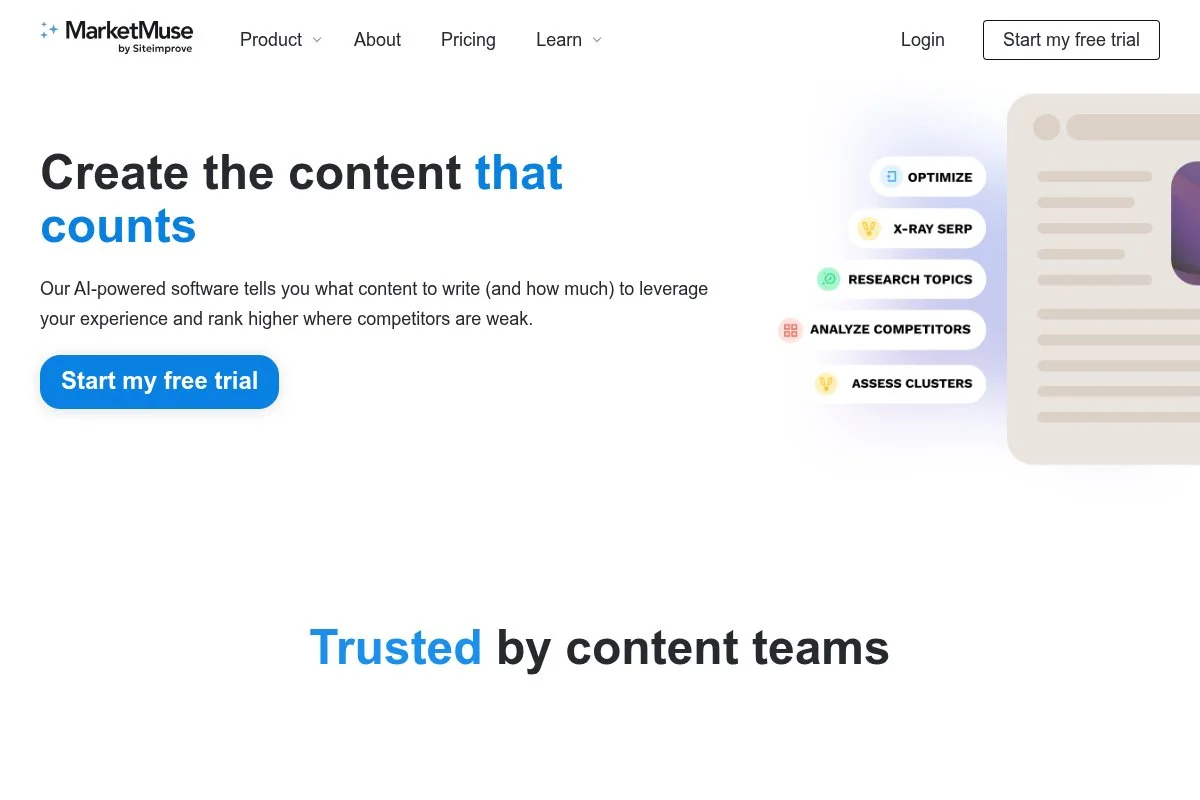
MarketMuse is an AI-driven content strategy and optimization platform known for topic modeling and planning across entire sites. It’s geared toward teams building authority over time, not just single-page wins.
Setup involves connecting your domain and running an inventory to map content strengths and gaps. You’ll generate topic clusters, prioritize pages, and create detailed briefs with coverage guidance.
Recent product work has improved site-level insights and prioritization. If you’re planning content at the “program” level, these updates make it easier to pick high-impact pages to refresh or create.
Higher tiers offer more inventory limits, collaboration features, and support. MarketMuse stands out for long-term planning and authority building, which many lighter tools skip.
I reach for MarketMuse on larger sites where prioritization matters as much as drafting. It helps teams stop guessing which pages to fix first.
Customer success is helpful, especially for enterprise rollouts and training.
How MarketMuse works and key features
The interface centers on site inventory and topic analysis. You get a map of your content, topical authority signals, and page-level recommendations. The editor includes term coverage, suggested headings, and content scoring.
Templates exist for briefs and outlines, and you can customize by section. Advanced users import/export data and blend insights with analytics dashboards. Reporting highlights opportunities, difficulty, and impact.
Automation focuses on prioritization and recurring audits rather than pure AI drafting. Support includes onboarding sessions and training. For large catalogs, the guidance saves time and guesswork.
Overall, it suits advanced users and strategists, but editors can work comfortably in the brief-driven editor.
Who MarketMuse is for
Best for enterprise content teams, publishers, marketplaces, and SaaS companies with large content libraries. It shines at prioritizing refreshes and building topical clusters. If you only publish a few posts per month, lighter tools offer better value. Some familiarity with content strategy helps.
MarketMuse pricing
MarketMuse offers a limited free plan and paid tiers with larger inventories and advanced features.
- Free: $0, limited queries and editor access, basic optimization
- Standard: $149/month, expanded queries, includes briefs and editor access
- Team: $399/month, more seats and inventory, collaboration features
- Premium/Enterprise: Custom, high-volume inventory and dedicated support
The value is strong for large sites where prioritization saves significant time. Annual billing reduces the per-month cost. For small teams, Free or Standard is a sensible start.
Pros and cons of MarketMuse
Pros
- Excellent for site-wide planning and prioritization
- Strong topic modeling and authority signals
- Helpful briefs for editors once strategy is set
Cons
- Price is higher than lighter tools for small sites
- Learning curve if you’re new to topic modeling
- AI drafting is not the main focus
Pick MarketMuse if you manage a large catalog and need clarity on where to invest. If you’re publishing lightly, you’ll pay for depth you may not use.
MarketMuse reviews
MarketMuse is reviewed on G2 and Capterra with positive feedback from enterprise users. Because review volumes shift, check the listings for current ratings and counts.
What is the best AI SEO tool right now?
My top picks right now are Surfer SEO for most teams, Clearscope for editor-first precision, and Semrush if you want one platform for research, audits, and AI-assisted content.
Surfer is my number one because I use it weekly in production. This isn’t sponsored. I found it while testing on-page tools for a multi-site rollout and was impressed by how fast new writers could hit a strong content score without over-optimizing. The live score, term guidance, and audits shortened our draft-to-publish time more than any other tool.
On cost, Surfer scales well. Many teams can live on Essentials or Advanced. If I tried to replicate the same workflow with a patchwork of separate tools, I’d spend more and lose time context-switching. For example, replacing briefs + editor + audits often means two or three subscriptions that together exceed Surfer’s mid-tier.
Clearscope is my close second. If your editors care most about clarity, minimalism, and dependable guidance, it’s hard to beat. Recent improvements in its Docs add-on also help large teams standardize drafts. If I ran a newsroom-style operation, I could see choosing Clearscope as the primary optimizer.
Clearscope’s unique strength is staying out of the writer’s way. It gives just enough guidance to raise quality without pushing a formula. If I prioritized pure editorial polish over breadth of features, Clearscope would likely be my pick.
Semrush is my third pick because it covers research, audits, and content planning in one place. If you don’t want to juggle multiple vendors, Semrush simplifies buying and reporting. It’s also a safer long-term bet if you need backlink data, technical checks, and content tools under one roof.
I often use more than one tool. For example, we’ll build clusters and run audits in Semrush, then draft and optimize in Surfer or Clearscope depending on the team and content type.
Choosing between Surfer and Clearscope is a real toss-up for many teams. I stick with Surfer because it moves drafts to “publishable” faster with writers of mixed experience, and the audits help prioritize refreshes without leaving the platform.
I hope this breakdown makes your decision easier. Pick the one that matches your current workflow and budget, then scale up only when the work demands it. Happy optimizing.
Frequently Asked Questions
Q: Which AI SEO tool is best for beginners?
Frase and Scalenut are the easiest starts. Both guide you from keyword to outline to draft with simple editors. If you want more precision later, you can graduate to Surfer or Clearscope.
Q: Can AI write content that ranks without human editing?
Not reliably. I use AI for research, outlines, and first drafts. A human editor still needs to add expertise, examples, and brand voice to win on quality and trust.
Q: Do I need a full SEO suite like Semrush if I use Surfer or Clearscope?
If you only optimize on-page content, maybe not. But for keyword databases, technical audits, and competitive tracking, a suite like Semrush saves time and consolidates reporting.
Q: What’s the cheapest way to test AI SEO workflows?
Start with Frase’s lower tier or Scalenut Essential for drafting, and pair it with free Google Search Console data. If you see traction, step up to Surfer or Clearscope for stronger optimization.
