

Running SEO and AI visibility campaigns at Relevance taught me one hard truth: most “keyword ideas” don’t move revenue. I learned that the hard way on client deadlines with real budgets on the line.
I wasn’t chasing vanity traffic. I needed topics that won clicks, earned citations in LLMs, and closed business. That forced me to pressure-test tools in messy, real projects across finance, SaaS, healthcare, and B2C.
What motivated me was simple: our clients pay for outcomes. Rankings are nice, but pipeline is nicer. So I started building a daily stack that balances speed, accuracy, and practical decision-making.
Finding the right mix took longer than I expected. Feature lists look great on landing pages, but most platforms bury the data you actually need behind awkward filters or paywalls. Some even overcomplicate basic workflows.
The teams I see winning don’t always buy the fanciest suite. They pair a reliable primary database with a few nimble helpers for SERP analysis, content angles, and cost checks. It’s about compound signal, not one magic button.
You don’t need the most expensive tool to get results. You need one main engine you trust, plus two or three helpers that fill gaps fast.
This guide shares the six keyword research tools I actually use every day. No sponsors. No fluff. Just what works for client growth and my own projects.
Here’s a quick summary table before we get into the details.
My favorite keyword research tools in 2026
Scroll down for my detailed take on each option, which one I personally chose, and the best free starting points for beginners.
What is a keyword research tool?
A keyword research tool is software that helps you find, evaluate, and prioritize search terms people use on Google and other engines. Its main job is to guide you toward topics worth creating.
In SEO we say: traffic without intent is a distraction. Good tools help you spot demand with purchase or problem-solving intent, so you invest in pages that win customers, not vanity clicks.
Think of it like ad targeting versus billboards. One well-chosen keyword that brings 500 qualified visitors can outperform a social post with 50,000 impressions. Relevance beats volume when deals matter.
At their core, these tools serve marketers, creators, and product teams. They pull data from search engines and clickstream partners, estimate volume and difficulty, surface SERP features, and help you plan content that ranks and converts.
People often pair them with on-page editors, rank trackers, content briefs, and analytics tools like GA4, Search Console, and a crawler to validate technical health.
Not all tools are equal on data freshness, ease of use, or cost, so choosing carefully pays off.
How to choose the best keyword research tool
Picking a primary tool can feel overwhelming. There are many options, similar feature names, and pricing that shifts as your usage grows.
I wrote this guide to help you find a setup that fits your goals, budget, and workflow—without wasting months in trials.
Most roundups are written by vendors or sites with sponsored placements. I’m not sponsored by any platform on this list. What follows is a straight, field-tested view based on what actually works in client campaigns.
Here are some questions you should ask when looking for a keyword research tool:
- How generous is the free tier or trial, and what’s limited?
- Can I perform core tasks fast (seed expansion, SERP view, filtering)?
- Will it scale with me—users, projects, and API if needed?
- How does pricing grow with tracked keywords, exports, or seats?
- Does it cover my must-haves (difficulty, intent, SERP features, clicks)?
- Are analytics and reporting clear enough for stakeholders?
- How hard is it to migrate data or switch later?
- Is the data reliable, fresh, and backed by transparent methods?
- Any technical needs like integrations, custom metrics, or bulk imports?
It’s a lot, I know. The ranked picks below reflect these questions so you can choose with confidence.
Okay, enough of me rambling, let’s get into the list.
6 best keyword research tools in 2026
Here are my top picks for the best keyword research tools:
- Ahrefs
- Semrush
- Google Keyword Planner
- Moz Keyword Explorer
- Ubersuggest
- Keywords Everywhere
Let’s see which one is right for you.
1. Ahrefs
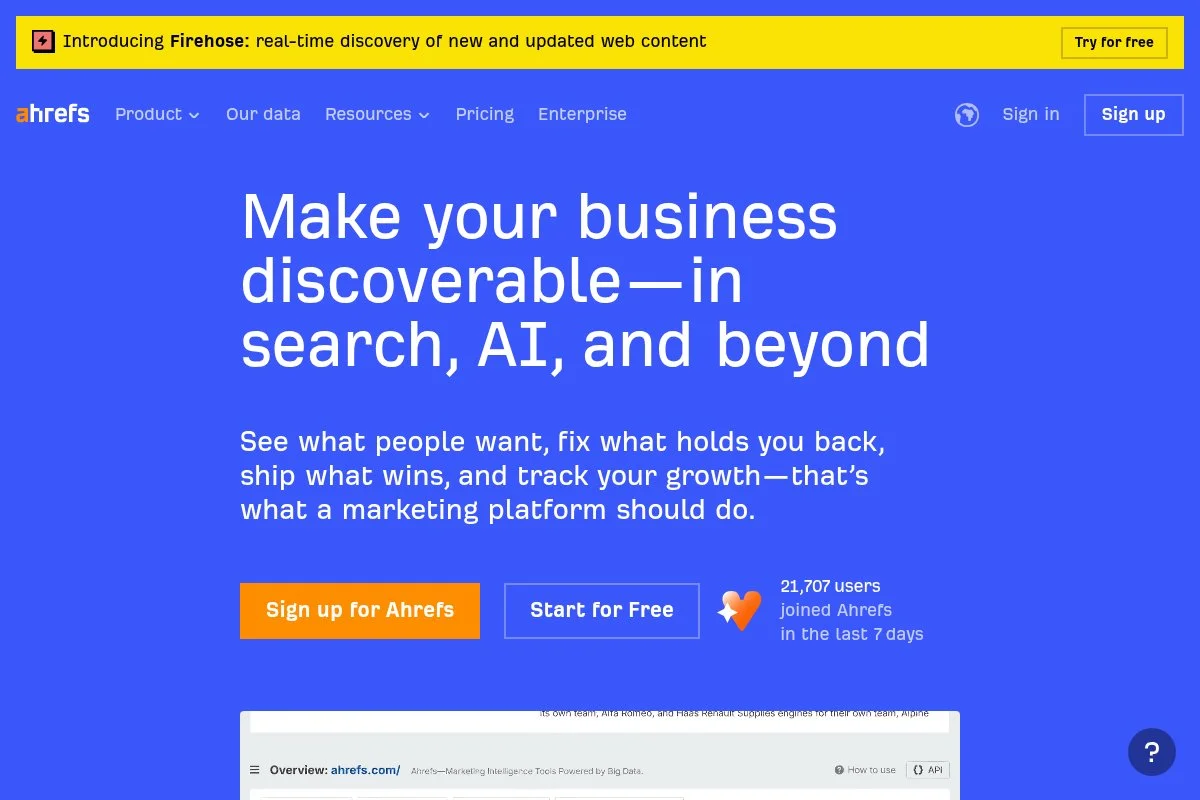
Ahrefs is an all-in-one SEO suite built around massive link and keyword databases. It’s been a mainstay for pro SEOs for years, with broad adoption across agencies and in-house teams.
You can start with Ahrefs Webmaster Tools for free to audit and monitor your own sites. The full plans begin at $99/month. The interface centers on Site Explorer, Keywords Explorer, and Content Explorer—where I spend most of my time finding gaps, checking difficulty, and reviewing SERP makeup.
Recent improvements have focused on faster SERP updates, more countries, and richer intent signals inside Keywords Explorer. The Clicks metric remains helpful when volume alone is misleading, and fresh SERP feature flags make brief-building cleaner.
On higher tiers, features like historical SERP position charts, advanced reporting, and bigger rows for exports matter if you manage many sites. The API unlocks bulk analysis and automation for engineering-friendly teams—still rare among lighter tools.
I use Ahrefs daily. It’s my anchor for topic discovery and competitive sizing, especially when I need confidence in difficulty and link profiles.
Support docs are strong, the UX is consistent, and their educational content helps onboard new teammates fast. For agencies, that saves real money.
How Ahrefs works and key features
The interface is straightforward: plug a domain or term into Site Explorer or Keywords Explorer. Filters are fast, with toggles for SERP features, match types, included/excluded terms, clicks, and CPS. Lists help me group targets by funnel stage.
Templates aren’t the focus, but exports are flexible. Advanced users can pipe data into BI tools using the API. Integrations with Looker Studio and common data stacks are well documented.
Reporting covers difficulty, volume, clicks, CPC, parent topics, and SERP snapshots. Automation comes from scheduled rank tracking, alerts, and API-driven scripts. The suite includes site audits, content discovery, and link prospecting.
Support is reliable via docs, email, and tutorials. As one client told me, “Ahrefs gives me answers faster than anything else.” — B2B SaaS Content Lead
Overall, it’s friendly enough for beginners and deep enough for power users, which is why it anchors my stack.
Who Ahrefs is for
Best for agencies, in-house SEO teams, growth marketers, content strategists, technical SEOs, and founders who want reliable data. It shines in competitive analysis, SERP validation, and link-driven difficulty checks. If you need PPC budget planning or broader marketing add-ons, Semrush might fit better. No coding needed, but the API rewards technical users.
Ahrefs pricing
Ahrefs uses tiered pricing based on features, rows, and limits. There’s a free Ahrefs Webmaster Tools plan for verified sites and paid plans for full access.
- Ahrefs Webmaster Tools: $0/month, for verified sites, includes site audit and limited site explorer data for your own properties.
- Lite: $99/month, entry limits, includes Keywords Explorer, Site Explorer, Rank Tracker, and basic reports.
- Standard: $199/month, higher limits, includes historical data and expanded reports.
- Advanced: $399/month, larger limits, includes more users and advanced features.
- Enterprise: $999+/month, custom limits, SSO, and enterprise support.
Value-wise, Ahrefs sits in the pro tier with pricing similar to other top suites. Annual billing lowers costs. If you manage many sites or need bulk exports, the higher tiers are worth it.
Ahrefs pros and cons
Pros
- Excellent keyword and link data for competitive markets.
- Clicks and parent topic help avoid empty volume traps.
- Fast filters and SERP snapshots speed up research.
- API and exports suit advanced workflows.
Cons
- Pricey for very small teams.
- No built-in PPC campaign suite.
- Some limits can feel tight on Lite.
If you need dependable data and scale, pick Ahrefs. If you’re brand new and budget sensitive, start with a free option plus a lightweight helper.
Ahrefs reviews
G2 and other review sites consistently rate Ahrefs highly for data quality and ease of use. Public ratings and counts change often—check current listings for the latest numbers.
2. Semrush
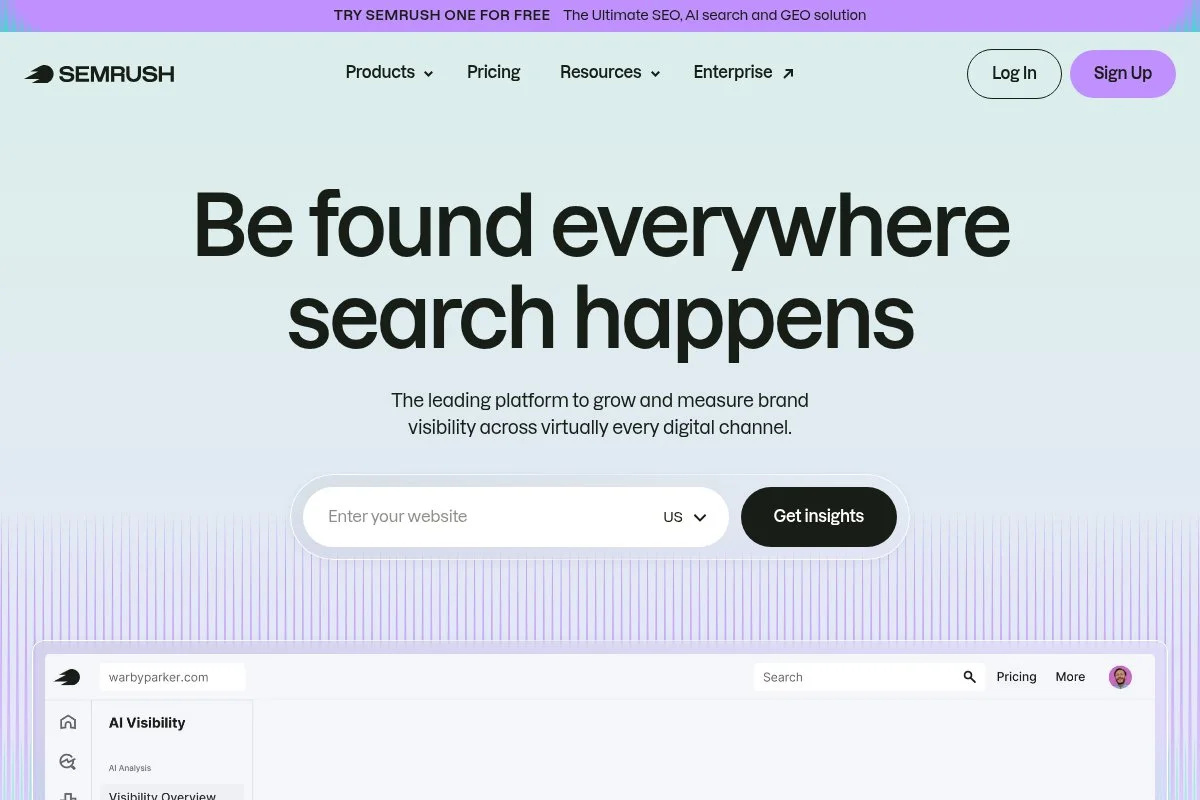
Semrush is an all-in-one marketing platform that covers SEO, PPC, content, and competitive research. It’s well known for site audits, keyword databases, and a large set of marketing add-ons.
There’s a limited free plan; paid tiers start at $129.95/month. Getting started is simple—drop in a domain or a seed term, then use Keyword Magic Tool for expansion. I lean on Keyword Intent, SERP Features, and Topic Research to shape briefs.
Recent improvements include stronger intent labeling, better Authority Score, and ongoing database growth. The App Center also adds integrations for content and PPC workflows, which helps cross-team work.
Higher tiers unlock historical data, larger projects, and content marketing features like content templates and SEO Writing Assistant. If your team needs SEO plus PPC and social reporting, this bundling can replace several tools.
I use Semrush regularly, especially when I’m aligning SEO with PPC budgets and competitor spend. It’s a smart second brain for full-funnel planning.
Their tutorials are beginner-friendly, and the UI makes multi-channel reporting less painful for stakeholders.
How Semrush works and key features
The Keyword Magic Tool is the primary interface for discovery. It offers broad match types, questions, intent tags, and SERP feature filters in a clean, sortable table. Projects help organize audits, position tracking, and on-page tasks.
Templates appear in content tools and reporting, while advanced users can export to Looker Studio or use the API on higher plans. You’ll track volume, KD, intent, CPC, competitive density, and SERP features.
Automation comes from scheduled reports, alerts, and rank tracking. Extra tools span PPC research, social tracking, and content optimization. Support includes live chat and a large library of how-tos. A marketing manager told me, “Semrush lets me brief SEO and PPC in one view,” which mirrors my experience.
It’s friendly for beginners but shines for teams that need one suite for multiple channels.
Who Semrush is for
Great for marketing teams, agencies, PPC/SEO hybrids, content leads, and founders who want one platform. It excels at keyword research with cross-channel planning. If you only need pure SEO depth and link data, Ahrefs may edge it out. No coding required, though exports and API reward technical users.
Semrush pricing
Semrush uses tiered pricing based on features, projects, and limits. A free plan offers restricted daily searches.
- Free: $0/month, limited searches and projects, basic access to core tools.
- Pro: $129.95/month, entry for small teams, includes Keyword Magic Tool, projects, and position tracking with standard limits.
- Guru: $249.95/month, content features, historical data, and higher limits.
- Business: $499.95/month, larger limits, API access, and advanced reporting.
Pricing is mid-to-high compared to the market but consolidates multiple tools. Annual billing reduces the monthly rate. If you need PPC and content features, it can be more cost-effective than buying separate platforms.
Semrush pros and cons
Pros
- Strong keyword discovery with intent and SERP features.
- Useful PPC and content modules in one suite.
- Good training resources and onboarding.
Cons
- Can feel heavy if you only need keywords.
- Higher tiers required for historical data and API.
- Interface density may slow first-time users.
If you want one platform for SEO, PPC, and content, Semrush is hard to beat. Pure-SEO specialists may prefer Ahrefs’ feel and link depth.
Semrush reviews
On sites like G2 and Capterra, Semrush earns strong ratings for feature breadth. Check current listings for up-to-date scores and counts—they change as new reviews roll in.
3. Google Keyword Planner
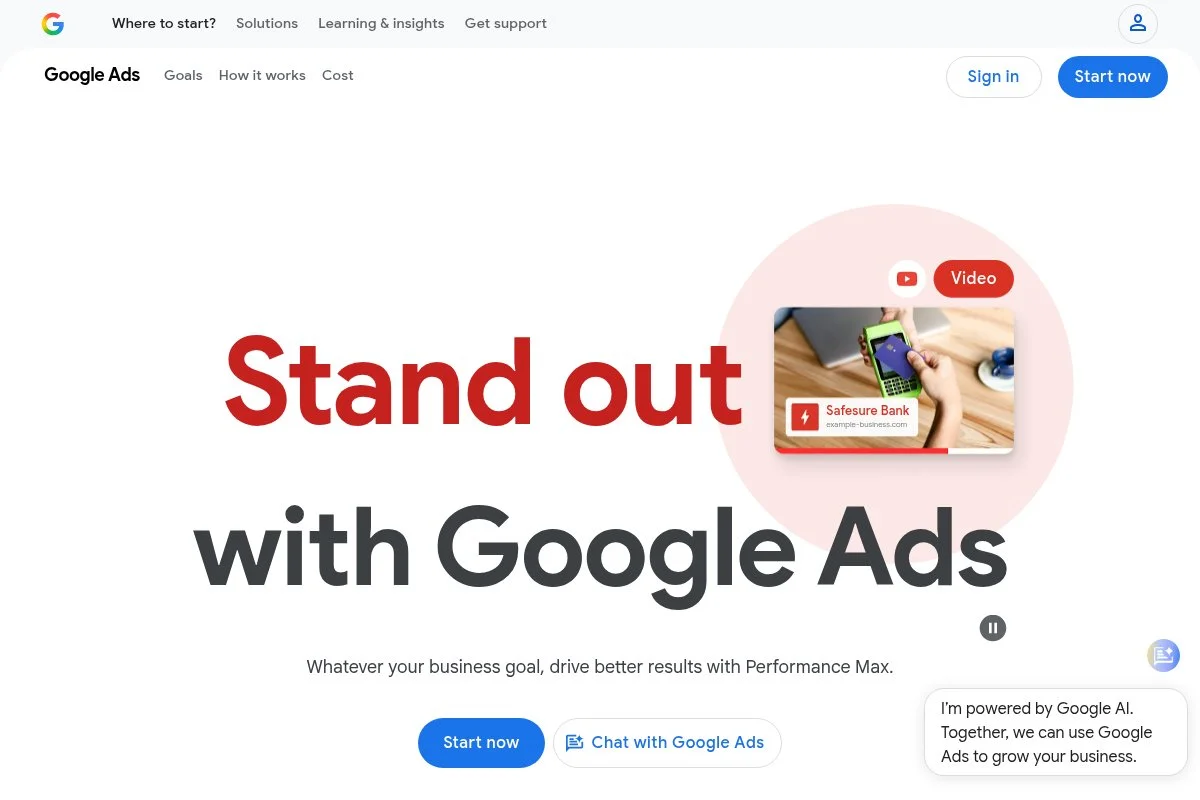
Google Keyword Planner (GKP) is Google Ads’ built-in research tool. It’s built for advertisers, but I use it to sanity-check cost, intent, and seasonality from the source.
It’s free with a Google Ads account. Getting started is fast: enter a seed term or URL and browse grouped ideas. The main draw is CPC and competition indicators that reveal commercial value and how tight the paid market is.
Recent updates have focused on better forecasting and seasonal ranges. While volume ranges can be wide for accounts without active spend, it still helps confirm if a topic is worth a serious push.
Advanced features include forecasts by match type, historical trends, and ad group suggestions. It’s not an SEO suite, but the price signal alone can change how I prioritize content.
I use GKP on nearly every project for a second opinion on value. It’s a simple, steady source of truth for demand and cost.
The help center is extensive, and since it’s Google, you’ll find guides for every feature across the web.
How Google Keyword Planner works and key features
The interface is straightforward: Discover New Keywords or Get Search Volume and Forecasts. Results show average monthly searches, competition, bid ranges, and trendlines. Filters narrow by location, language, and network.
Templates aren’t needed; exports go neatly to Sheets. Advanced users can combine GKP outputs with Search Console for a fuller view. Reporting centers on volume, competition, and CPC ranges with forecasted clicks and costs.
Automation happens in Google Ads through saved plans and shared libraries. Extra tools include planners for budgets and seasonal adjustments. Support is through Google’s docs and community. A PPC lead once told me, “If GKP says it’s worth paying for, I listen,” and I agree.
It’s beginner-friendly and perfect as a cross-check for any SEO stack.
Who Google Keyword Planner is for
Best for SEOs, PPC managers, founders, content marketers, and analysts who want cost and demand signals from Google. It excels at budgeting and commercial intent checks. If you need SEO difficulty scores or SERP analysis, pair it with Ahrefs or Semrush. No technical skill required.
Google Keyword Planner pricing
GKP is free within Google Ads. You can access forecasts and volume ranges without spend, though active advertisers often see more precise data. There are no paid tiers—cost comes only if you run ads.
- Google Ads account: $0 to use GKP; ad spend optional for campaigns.
As a value play, GKP is unbeatable for cost signals. It doesn’t replace a full SEO suite, but it pairs nicely with any toolset.
Google Keyword Planner pros and cons
Pros
- Free and fast source for CPC and demand.
- Forecasts help translate ideas into budgets.
- Great for aligning SEO with PPC.
Cons
- Volume ranges can be broad without spend.
- No SEO difficulty or link data.
- Limited SERP context for content planning.
Use GKP as your cost compass. Pair it with an SEO suite for rankings and SERP analysis.
Google Keyword Planner reviews
Because GKP is part of Google Ads, it isn’t always rated separately on review sites. Feedback from PPC and SEO communities is positive for cost and forecasting, mixed for SEO-specific needs.
4. Moz Keyword Explorer

Moz Keyword Explorer is part of Moz Pro, a veteran SEO platform. Moz is known for approachable metrics like Domain Authority and a focus on education and clarity.
You can try a limited free version, with paid plans from $99/month. The Keyword Explorer UI is beginner-friendly—enter a seed, get suggestions, and sort by metrics like Keyword Difficulty, Volume, and Organic CTR.
Moz has improved SERP feature tracking and added fresh data sources over time. The balance of difficulty and opportunity filters makes it easy to build a first content plan without drowning in options.
Higher tiers expand limits, add more campaigns, and unlock deeper tracking. The page grader and link metrics are handy for building briefs and prioritizing internal links.
I recommend Moz Pro a lot for teams ramping up. It explains the “why” behind scores in a way new marketers grasp quickly.
The blog and Whiteboard Friday archives are still some of the best training resources out there.
How Moz Keyword Explorer works and key features
The interface is clean and text-first. You’ll get lists of suggestions with Difficulty, Volume, and Organic CTR estimates. Topic groups help cluster ideas. The SERP analysis panel shows the top results and features to expect.
Customization comes through filters and Lists for planning. Advanced users can export data and combine it with other sources. Reporting covers rankings, on-page checks, and link metrics across campaigns.
Automation shows up as scheduled site audits and rank tracking. Extra tools include a crawler, link explorer, and on-page grader. Support includes email and lots of detailed guides. A content lead told me, “Moz is the first tool my junior hires actually enjoy using.”
It’s very beginner-friendly while still useful for experienced SEOs who want clarity and planning tools.
Who Moz Keyword Explorer is for
Ideal for small teams, content marketers, junior SEOs, agencies onboarding new clients, and educators. It shines for clarity and planning. If you need very deep backlink analysis or the fastest SERP data, Ahrefs may be better. No technical skill required.
Moz Keyword Explorer pricing
Moz Pro uses tiered, feature-based pricing, with limits by campaigns, tracked keywords, and crawls. A limited free version of Keyword Explorer is available.
- Free: $0/month, limited keyword checks and SERP previews.
- Standard: $99/month, entry for small sites, includes keyword research, basic rank tracking, and site audits.
- Medium: $179/month, higher limits and additional features for growing teams.
- Large: $299/month, more campaigns, keywords, and crawl capacity.
- Premium: $599/month, enterprise-level limits and support.
Pricing is mid-range. Annual billing discounts apply. For teams that value clarity and teaching, the time saved often justifies the cost.
Moz Keyword Explorer pros and cons
Pros
- Clear, beginner-friendly metrics and SERP views.
- Strong educational resources for teams.
- Balanced features for research and planning.
Cons
- Backlink depth trails specialized tools.
- Data refresh may lag in very niche markets.
- Limits can be tight on entry plans.
If onboarding speed and clarity matter, Moz is a smart pick. If you live and die by link data, consider Ahrefs.
Moz Keyword Explorer reviews
Moz Pro generally receives positive ratings on G2 and Capterra for ease of use and education. Check current listings for the latest star ratings and review counts.
5. Ubersuggest

Ubersuggest is a budget-friendly SEO tool from Neil Patel’s team. It covers keyword research, site audits, content ideas, and basic backlink data with a focus on simplicity.
There’s a free limited version; paid plans start at $29/month. Getting started takes minutes—search a keyword or competitor domain, then browse ideas, volume, difficulty, and content suggestions in a clean layout.
Recent updates have centered on UI polish, faster audits, and continued database growth. The Chrome extension adds quick on-SERP data, which is handy for fast checks.
Higher tiers increase project limits and tracked keywords, plus offer team features and exports. It doesn’t replace top-tier suites for deep link or SERP analysis, but it’s a solid, affordable starter.
I recommend Ubersuggest for solo creators and small teams that need a clean tool with the basics. It’s also a nice second opinion to cross-check volume and difficulty.
Support is straightforward, and onboarding is one of the easiest among entry-level tools.
How Ubersuggest works and key features
The interface is simple: keyword ideas, content ideas, and competitor views sit in one sidebar. You’ll get volume, SEO difficulty, CPC, and related questions. Filters are fast, and exports are easy for spreadsheets.
Templates appear in content suggestions. Advanced users can combine Ubersuggest data with GKP and Search Console for a broader picture. Reporting includes basic rank tracking and site audit summaries.
Automation is light—scheduled tracking and audits cover most needs. Extra tools include a backlink section and content ideas. Support covers chat and guides. I’ve heard from freelancers who say, “It’s the only tool my clients will actually use with me,” which fits my experience.
Overall, it’s beginner-friendly and cost-effective, with enough power for early-stage growth.
Who Ubersuggest is for
Great for solo creators, local businesses, startups, and small agencies. It excels at quick research, light audits, and content planning. If you need deep link data or large-scale exports, Ahrefs or Semrush will suit better. No technical skill needed.
Ubersuggest pricing
Ubersuggest uses simple, tiered pricing with a free limited version. Paid plans expand projects, tracked keywords, and users.
- Free: $0/month, limited daily searches and basic reports.
- Individual: $29/month, starter limits, keyword research, site audit, and basic rank tracking.
- Business: $49/month, higher limits and more domains/projects.
- Enterprise: $99/month, largest limits, additional users, and exports.
Pricing is low compared to pro suites, making it a strong value for beginners. Annual billing often reduces effective monthly cost. If you outgrow it, migrating to a pro suite is straightforward.
Ubersuggest pros and cons
Pros
- Affordable entry price with clear tiers.
- Simple UI that’s easy to learn.
- Good for quick checks and content ideas.
Cons
- Link and SERP depth trails top-tier tools.
- Limits can hit fast on larger sites.
- Fewer advanced integrations.
Choose Ubersuggest if you need basics done well for less. Power users should consider pairing it with a pro suite.
Ubersuggest reviews
On sites like G2 and Capterra, Ubersuggest earns positive marks for price and ease of use, with mixed feedback on advanced depth. Check current ratings and review counts for the latest snapshot.
6. Keywords Everywhere
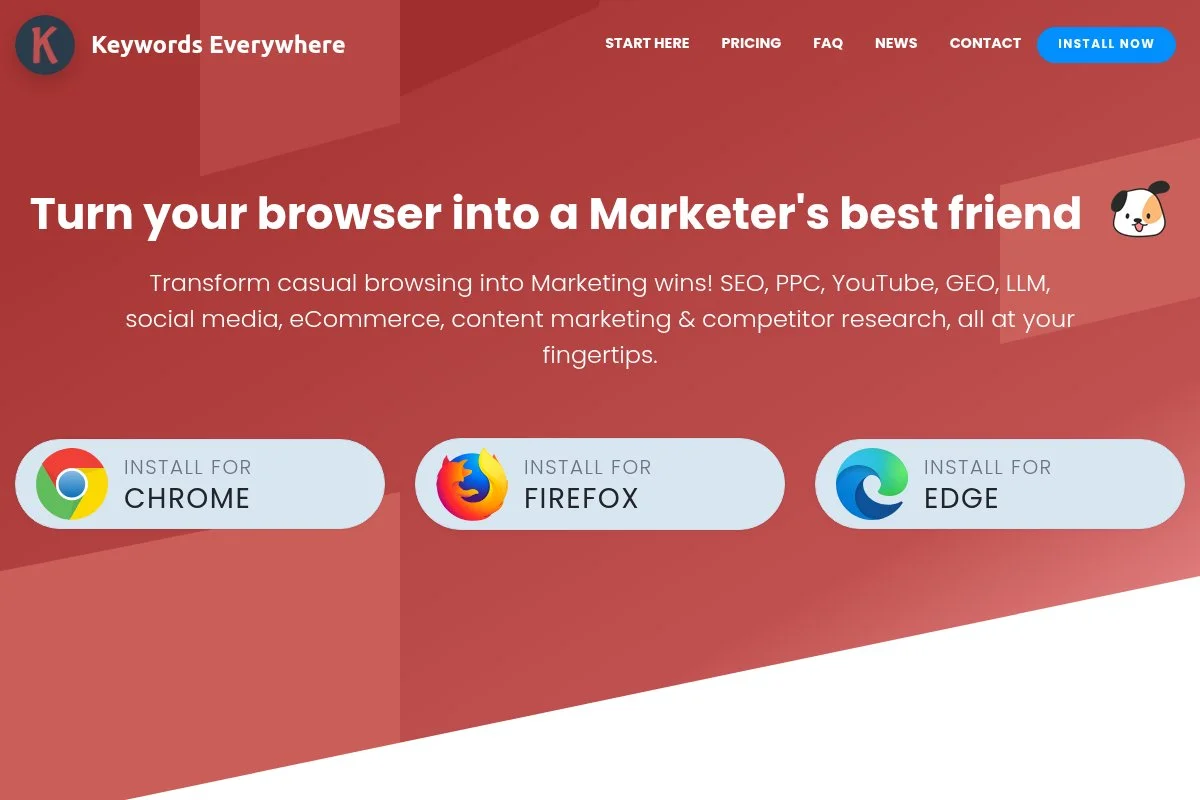
Keywords Everywhere is a browser extension for Chrome and Firefox that adds keyword data directly to Google, YouTube, and other sites. It’s perfect for fast, on-SERP checks.
Pricing is pay-as-you-go: $15 for 100,000 credits, valid for a year. Install, toggle on, search as usual, and see volume, CPC, and related terms in the sidebar. It’s one of the quickest ways to validate ideas mid-research.
Recent updates have improved on-page widgets and added more integrations across SERPs and tools. Performance is snappy, and credit usage is predictable once you get the hang of it.
It doesn’t try to be a full suite. Instead, it speeds up your existing workflow. Pairing it with Ahrefs or Semrush saves me time every single day.
I use it constantly for quick checks during meetings and while writing briefs. It’s the cheapest speed boost in my stack.
Support is lean but responsive, with clear docs and changelogs.
How Keywords Everywhere works and key features
Once installed, the extension overlays data on Google, YouTube, Amazon, and more. You’ll see volume, CPC, competition, trend charts, related terms, and “People also search for” ideas in the sidebar and under the search box.
There are no templates, but you can favorite terms and export lists. Advanced users tweak settings to control credit burn and choose which engines to enrich. Reporting is simple—copy or export as CSV.
Automation is minimal by design. The main value is speed and context without switching tabs. Support includes docs and email. A freelancer told me, “It’s my 30-second gut check before I add anything to a brief.”
It’s very beginner-friendly and a handy companion for pros who want faster SERP research.
Who Keywords Everywhere is for
Best for freelancers, creators, content writers, small teams, and anyone who wants quick, on-page validation. It shines for idea vetting and light research. If you need full competitor and link analysis, pair it with Ahrefs or Semrush. No technical skill required.
Keywords Everywhere pricing
Pricing is credit-based, not monthly. You buy credits that last a year; each enriched page view uses a small number of credits depending on settings.
- Credits: $15 for 100,000 credits (valid 1 year), includes on-SERP volume, CPC, competition, related terms, and exports.
This is one of the best values for speed. If you research daily, expect very low effective monthly cost. Teams often buy separate keys to control usage.
Keywords Everywhere pros and cons
Pros
- Very affordable and fast to use.
- Works inside Google and YouTube results.
- Great for quick validation and ideation.
Cons
- Not a full SEO suite—no deep competitor or link data.
- Credit use needs a bit of management at first.
- Limited reporting compared to platforms.
If you want instant SERP context without tool-hopping, it’s a no-brainer. Just don’t expect full-suite features.
Keywords Everywhere reviews
As a browser extension, it has fewer formal reviews on G2 or Capterra. Community feedback is strong for price and speed. Check the Chrome Web Store listing for fresh ratings.
What is the best keyword research tool right now?
My top three right now: Ahrefs for most professionals, Semrush for teams that want SEO plus PPC/content in one place, and Google Keyword Planner as a free cost-and-intent compass.
Ahrefs is my number one, and I use it every day. This is my honest take—no sponsors. I first tried it while auditing a messy enterprise site. The speed of discovery, Clicks metric, and parent topics gave me confidence to prune, merge, and build with accuracy. The factor that sold me was how quickly I could go from seed to plan with filters that actually match how pros think.
On value, Ahrefs scales well if you care about outcomes. Cheaper tools save money upfront but often cost time. If your team bills by the hour, time is real money. Versus alternatives, Ahrefs Lite at $99/month is fair for a primary engine; Standard unlocks historical data that shortens research cycles even more.
Semrush is a close second. If you need SEO, PPC research, and content tools in one login, it’s excellent. The Keyword Magic Tool, intent tags, and Topic Research make cross-channel planning easier. Recent database growth and the App Center add useful depth for marketers running multi-touch campaigns.
Its unique strength is consolidation. If I were building a small, mixed-skill marketing team from scratch, I might start with Semrush to reduce tool sprawl and training time.
For a third option, Google Keyword Planner is my constant free check. It won’t replace a suite, but the CPC and competition data stop me from chasing low-value ideas. If you’re new or budget-tight, pair GKP with a low-cost helper like Keywords Everywhere.
I actually use multiple tools: Ahrefs as the anchor, Semrush for PPC-aligned research and content planning, GKP for value checks, and Keywords Everywhere for on-SERP speed. That combo keeps me fast and accurate.
Choosing among the top options is tough because they’re all good in different ways. I stick with Ahrefs because it’s the quickest path from idea to confident plan in my hands, and that speed shows up in client results.
Hope this helped you lock in your stack. Now go turn those keywords into pages that win.
Frequently Asked Questions
Q: What keyword tool should I start with if I’m on a tight budget?
Start with Google Keyword Planner (free) plus Keywords Everywhere ($15/year for credits). That combo covers demand, CPC, and quick SERP checks. Upgrade to Ahrefs or Semrush when you need deeper analysis.
Q: How accurate are search volume numbers across these tools?
Treat volumes as directional, not exact. I cross-check between Ahrefs or Semrush and Google Keyword Planner. Trends and relative differences matter more than the absolute number.
Q: Do I need multiple tools, or can one suite cover everything?
One suite can cover 80% of needs. I still use helpers for speed and cost checks. My daily mix: Ahrefs or Semrush as the anchor, GKP for CPC, and Keywords Everywhere for fast SERP context.
Q: How often should I refresh my keyword research?
Quarterly works for most sites. For fast-moving niches or seasonal products, I refresh monthly. I also rerun research after big SERP layout changes or when new competitors surge.
